

Overview
This destination combines the analytical power of your data warehouse with the low-latency performance of a transactional database.Supported syncing
For more information about sync modes, refer to the sync modes docs.
Connect to MariaDB
Go to the Destinations overview page and click the Add destination button. Select MariaDB and click Continue. Enter the following required fields into Hightouch:- Host: The hostname or IP address of your MariaDB.
- Port: The port number of your MariaDB. The default is 3306, but yours may be different.
- Database: The name of the database in your MariaDB.
- User: This can be your personal MariaDB login or a dedicated user for Hightouch.
- Password: The password for the user specified above.
.pem CA certificate.
SSH tunneling
Hightouch can connect directly to MariaDB over the public internet or via an SSH tunnel. Since data is encrypted in transit via TLS, a direct connection is suitable for most use cases. You may need to set up a tunnel if your MariaDB instance is on a private network or virtual private cloud (VPC). Hightouch supports both standard and reverse SSH tunnels. To learn more about SSH tunneling, refer to Hightouch’s tunneling documentation.Sync configuration
Once you’ve set up your MariaDB destination and have a model to pull data from, you can set up your sync configuration to begin syncing data. Go to the Syncs overview page and click the Add sync button to begin. Then, select the relevant model and the MariaDB destination you want to sync to.Select table
Select the existing table in MariaDB you want to sync to.Record matching
You can match rows from your model to rows in MariaDB on any column as long as it is a primary key or unique key.Field mapping
Select which model columns you want to sync to your MariaDB table columns. Hightouch automatically pulls the columns from your table to make them available for you to map.When syncing to binary destination fields, Hightouch assumes the model column values to be base64 strings. If they aren’t, you can use template mapping to cast them if needed.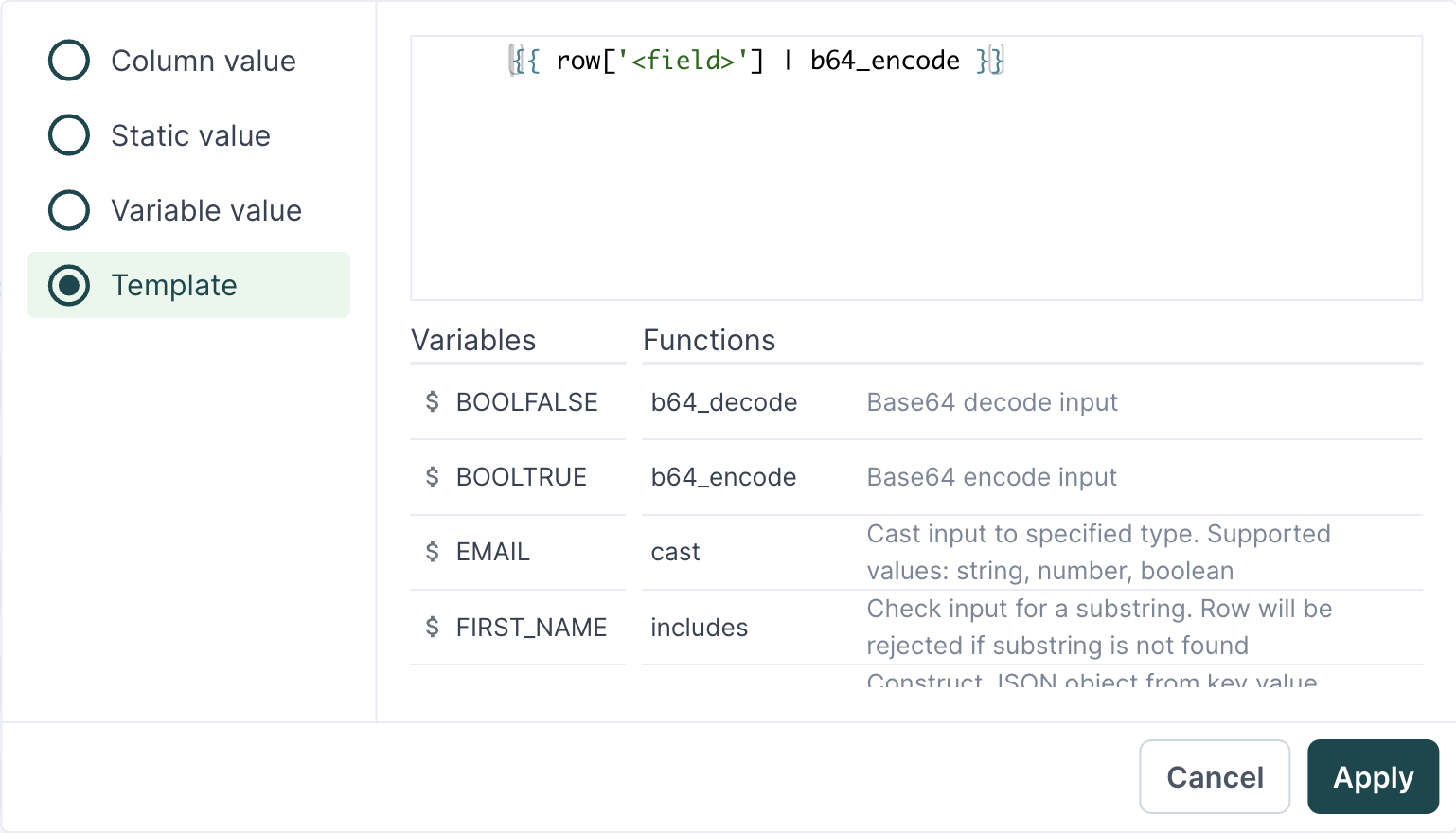
Upsert query optimization
You can choose to use theLOAD DATA statement in the upsert query during your sync. This option loads data from a text file into your database, which can be up to twenty times faster than the default INSERT INTO query Hightouch uses.
If you enable the LOAD DATA option, Hightouch replaces databases rows with the mapped model row, if it exists. This means that if any MariaDB fields aren’t mapped in Hightouch they receive NULL values.
For Hightouch to successfully sync with the LOAD DATA option, you need to enable the local_infile system variable.