

Overview
With Hightouch and the Adikteev API, you can send data from your warehouse to audiences in Adikteev. Deliver relevant ads by utilizing data from various sources within your data warehouse.Supported syncing
For more information about sync modes, refer to the sync modes docs.Connect to Adikteev
Go to the Destinations overview page and click the Add destination button. Select Adikteev and click Continue. You can then authenticate Hightouch to Adikteev via username and password.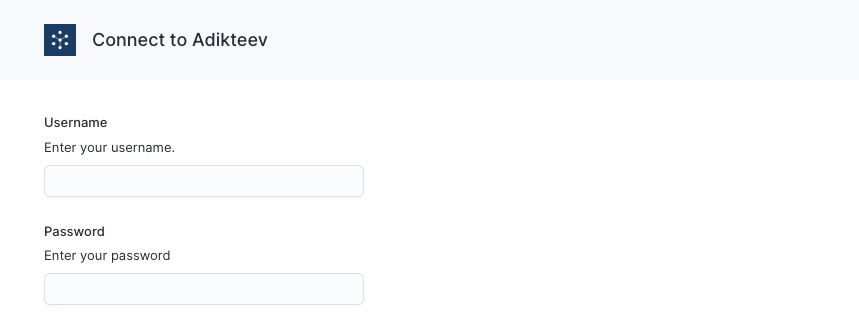
Sync configuration
Once you’ve connected your Adikteev destination and have a model to pull data from, you can set up your sync configuration to begin syncing data. Go to the Syncs overview page and click the Add sync button to begin. Then, select the relevant model and the Adikteev destination you want to sync to.Syncing custom audiences
Hightouch lets you create and maintain custom audiences via the Custom Audiences API.User identifiers
To identify which users to add or update in an audience, select the model column that represents the user’s device ID.Adikteev allows two different device ID types for iOS devices: IDFA and IDFV.
Be sure to select the correct option in the ID type dropdown.