Setup
To get started with Gong, create an integration with Gong, and use your Access Token and Secret to create a new destination within Hightouch. The Gong API page can be found here: (https://app.gong.io/company/api).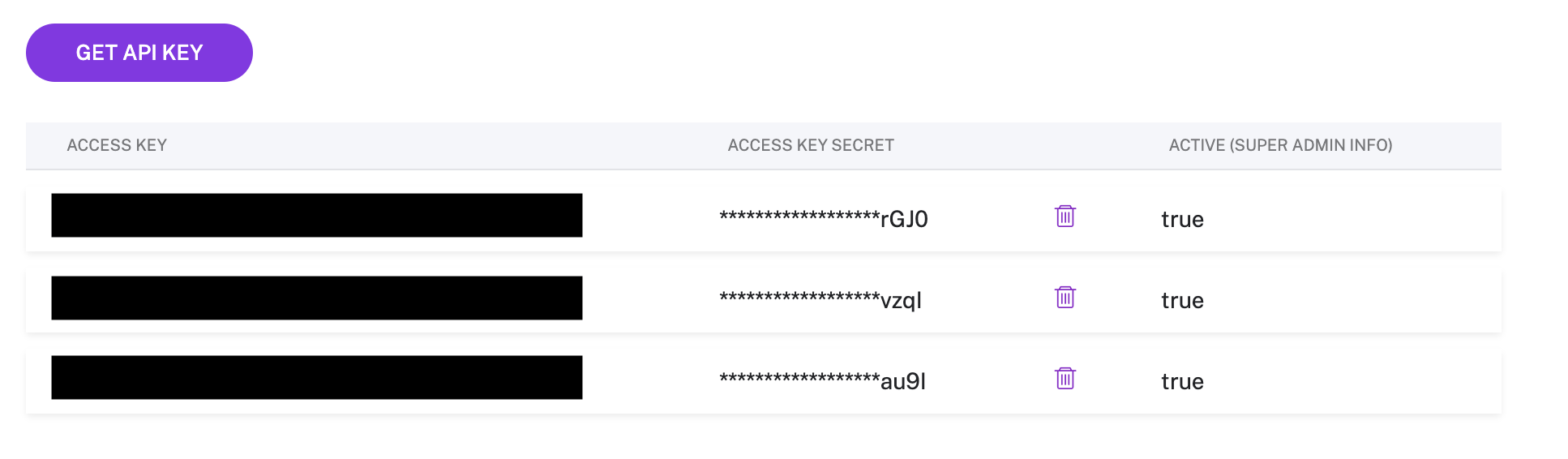
Select CRM integration
Hightouch allows you to choose which CRM integration you wish to sync data to. This can be selected on the sync configuration page.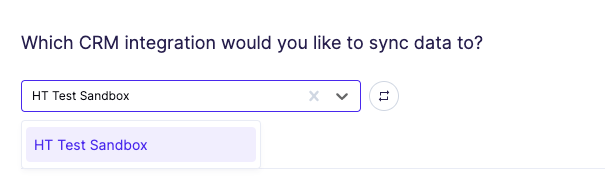
Syncing CRM data
Upload CRM data
The Gong integration allows users to upsert the following object types:- CRM Users
- Accounts
- Deals
- Contacts
- Leads
Field mapping
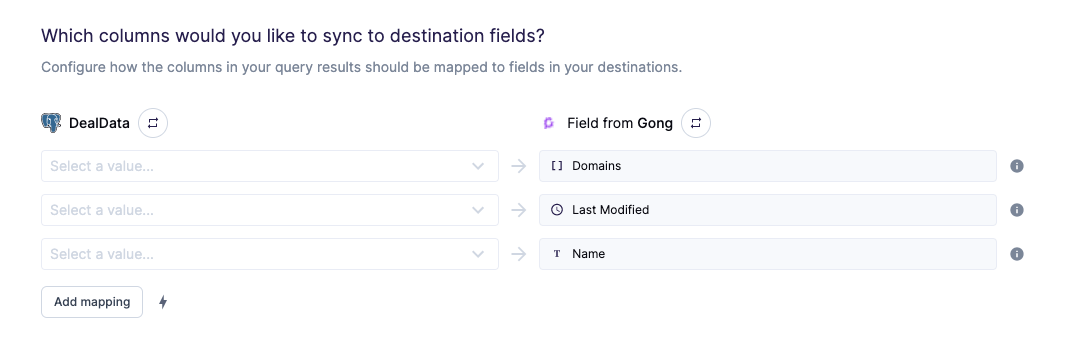
You can sync columns from your source to Gong’s fields.