Supported syncing
This destination ignores the concept of additions, changes, removals. Syncs always send the full results of your model. For example, if your model has 1,000 records, your Amobee data file will be 1,000 records.
Connect to Amobee
Setup on Amobee
The initial setup process involves getting assigned amarket ID from Amobee. If you don’t know this ID, reach out to your Amobee representative.
Setup on Hightouch
To get started with the Amobee destination on Hightouch, you must provide the market ID.Syncing data
In addition to the data file, Hightouch sends configuration and taxonomy files during the sync. Amobee’s system picks up the files hourly. Amobee also emails a success or failure notification to the address you provide in the sync configuration.Configuration file
To create the configuration file, enter the following information into the Hightouch during sync setup:- Advertiser ID
- Email address to receive success notifications
- Name of the data file you want to send to Amobee
- Classification symbol
- Data file unique identifier ID type
- Data file start date
Taxonomy file
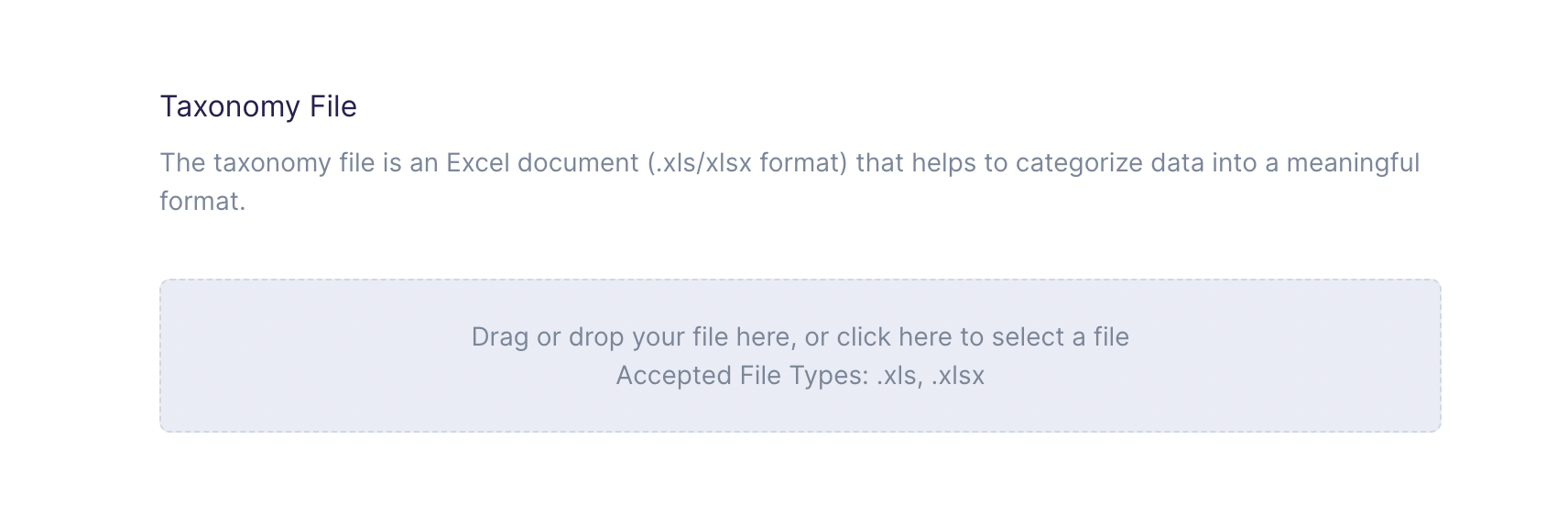
You also need to upload a taxonomy file as part of the sync configuration form. An Amobee taxonomy file is an Excel document that helps categorize data into a meaningful format. The accepted file types include:.xls and .xlsx. For reference, you can check out this taxonomy file example.
Data file format and encoding
The data file must be delimited, with fields and categories separated. Categories need to be separated using a comma (,).
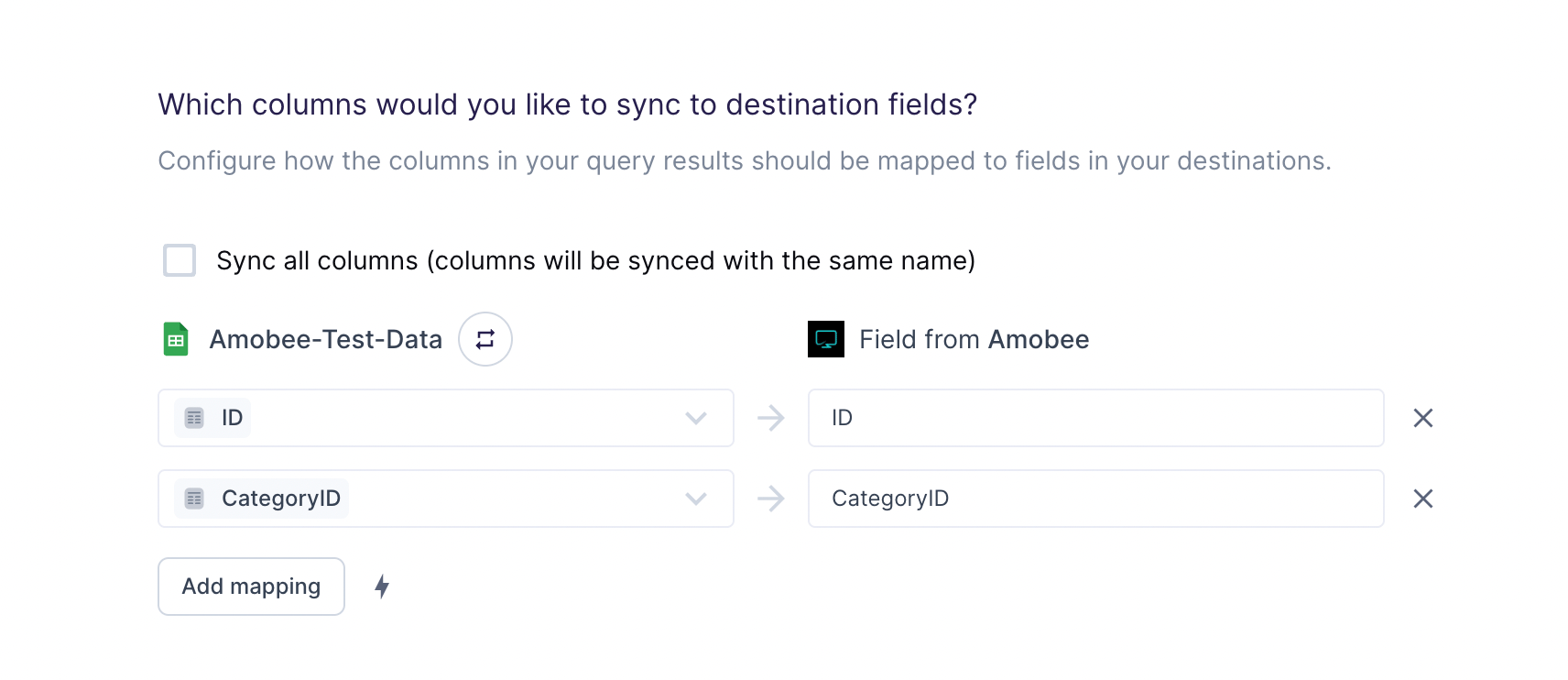
Columns to sync
For this destination, you can export all columns represented in your model.
ID and CategoryID and ignores all other fields in the model.