

- CRMs (Salesforce, HubSpot)
- Marketing platforms (Braze, Iterable, Marketo)
- Ad platforms (Meta Ads, Google Ads, LinkedIn)
- Support tools (Zendesk, Intercom)
- Analytics platforms (Amplitude, Mixpanel)
- Custom APIs (via Webhook/HTTP Request destinations)
Add a destination
To create a new destination:- Go to Integrations → Destinations.\
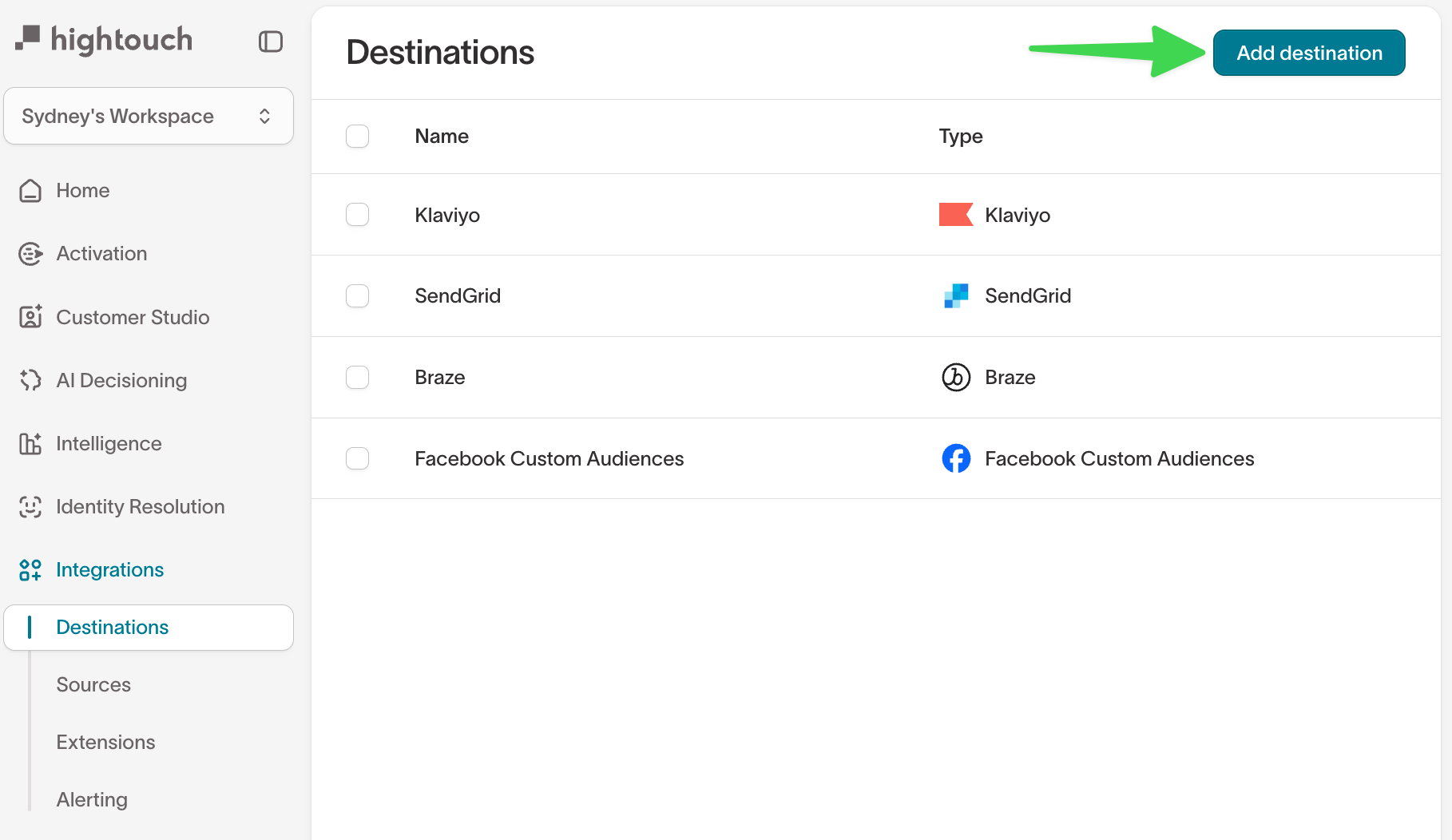
- Click Add destination.\
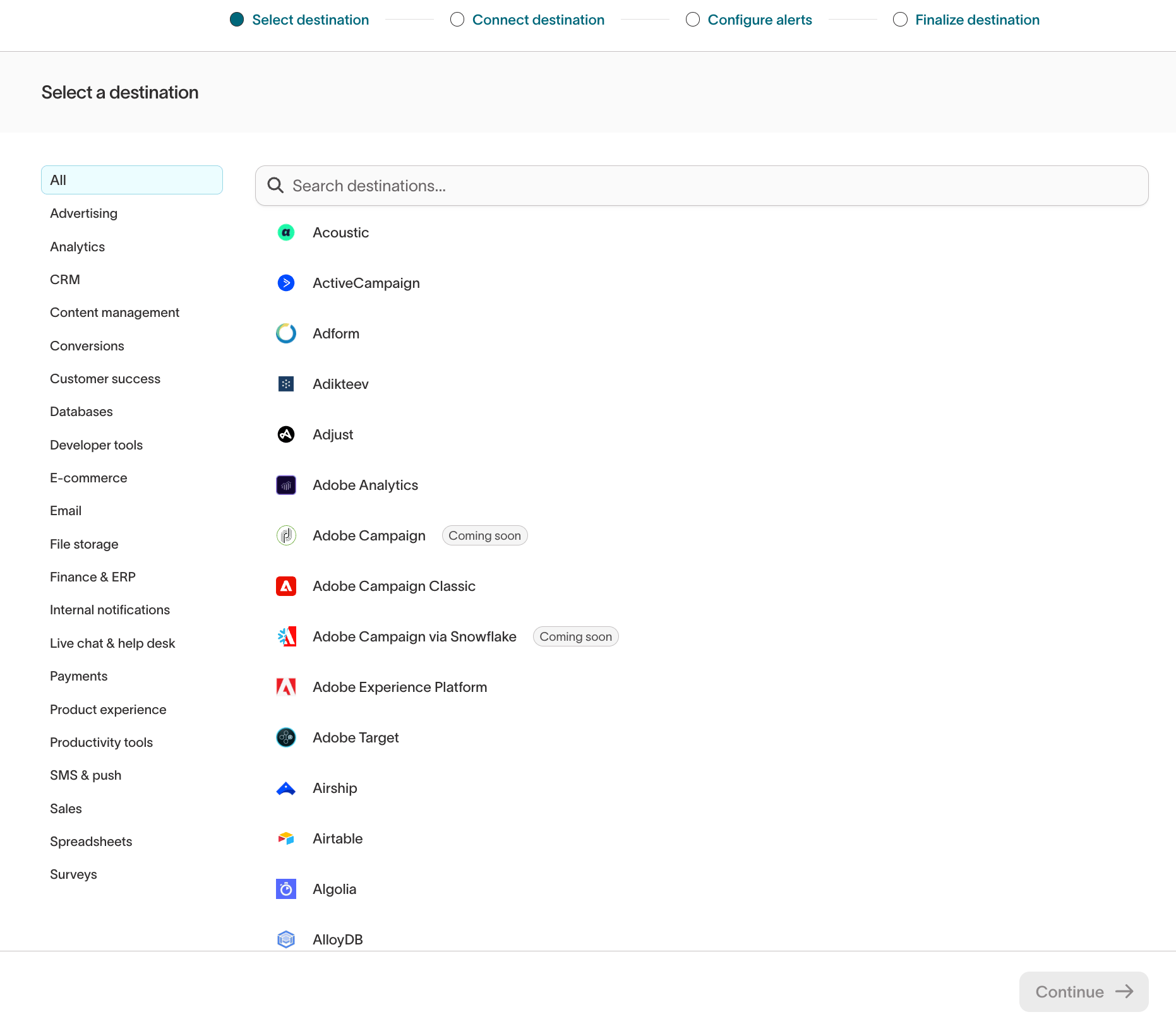
- Authentication (OAuth, API key, service account, etc.)
- Object type (e.g. user, event, list, custom object)
- Sync type supported by that destination (upsert, insert, update, event streaming, etc.)
Each destination has unique configuration options. See catalog and refer to
integration-specific documentation for setup details and supported sync
types.
Plan your sync
Before you configure a destination sync, you need a connected destination and a model to pull data from. Then decide:- What to sync — which objects, events, or records the destination needs, and therefore which sync types to set up. Set up a separate sync for each object or data type.
- Which fields to map — the source columns that map to destination fields. See field mapping.
- How records change — whether you’re adding new records, updating existing ones, or both. This determines the sync mode (insert, update, or upsert).
- How often to sync — how fresh the data must be, which sets the sync schedule.
Security and data handling
Hightouch writes data into destinations using secure APIs:- All outbound traffic is encrypted via TLS 1.2+
- Data is batched and delivered according to the sync configuration (mode, type, mapping)
- Sensitive fields can be masked or excluded before syncing to destinations
Permissions
Access to individual destinations is controlled through custom roles. Admins can configure destination-specific grants in the Destination tab of the custom role builder, including per-destination read, write, and manage permissions. See Roles for details.How destinations fit into data activation
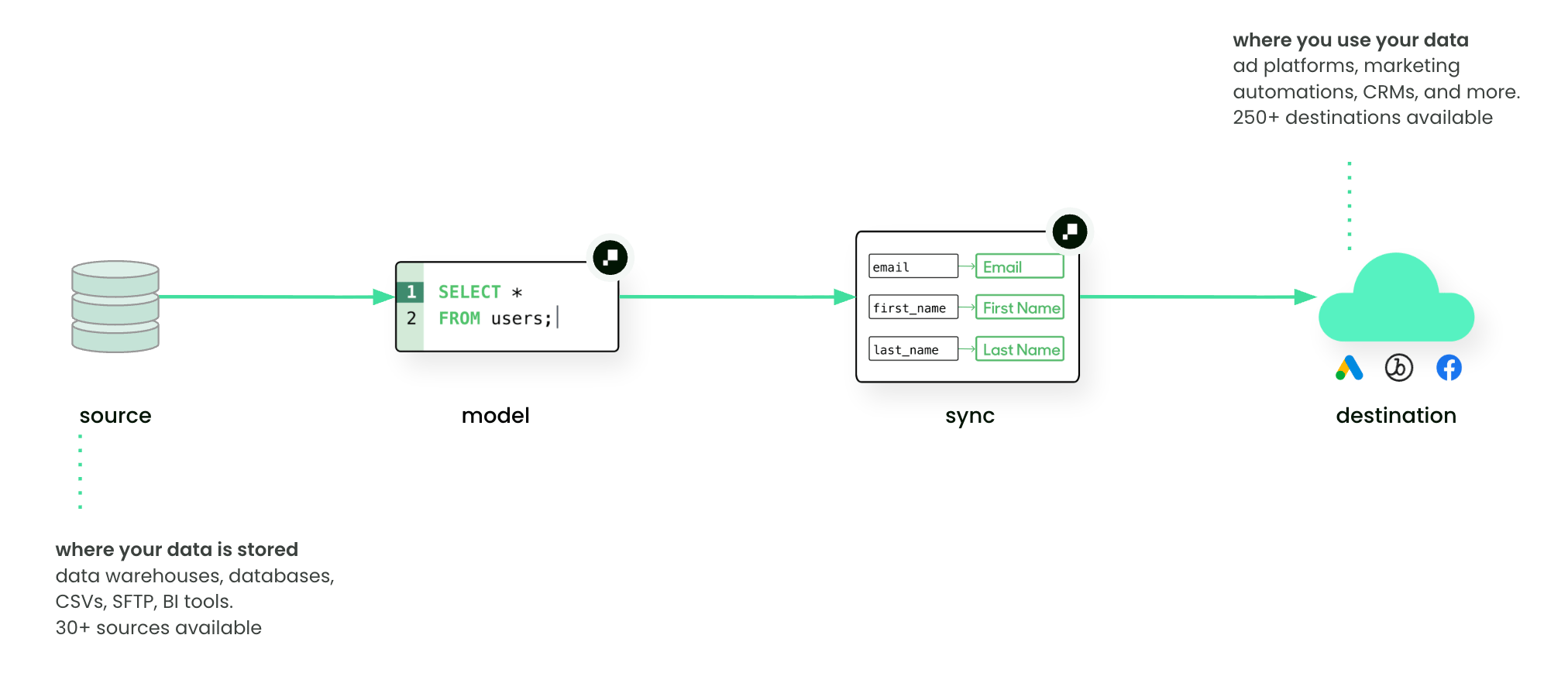
- Data teams: configure destinations and map model columns to the correct destination fields.
- Marketers: access fresh, trusted data directly in the tools where they run campaigns or measure results.
- Model: SQL query for “users who abandoned checkout”
- Destination: Braze (Email + Push)
- Sync: upsert new/changed users nightly, send them into a “Cart Abandonment” campaign
Next steps
- Add your first destination
- Learn about Syncs and how they deliver data into destinations