Supported syncing
For more information about sync modes, refer to the sync modes docs.
Setup
In order for Hightouch to sync data to Freshsales, you need to give Hightouch an API key and subdomain so that Hightouch can update your records. You can retrieve your API key by navigating to Settings > API Settings: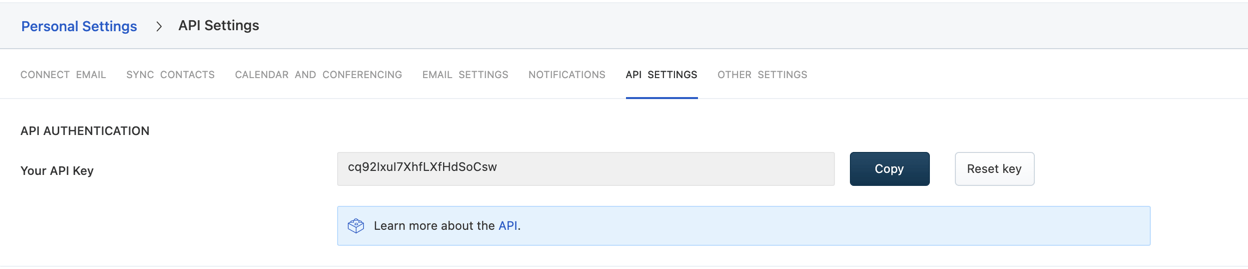
https://yoursubdomain.myfreshworks.com. The subdomain used to configure the destination is yoursubdomain.
Syncing
Sync modes
- Upsert - pushes new objects to Freshsales and updates fields that change in your warehouse.
- Update: only updates particular fields on existing objects in Freshsales. It does not add new objects.
Record matching
Records can be matched from your source to your Freshsales’s account’s Name or contact’s email.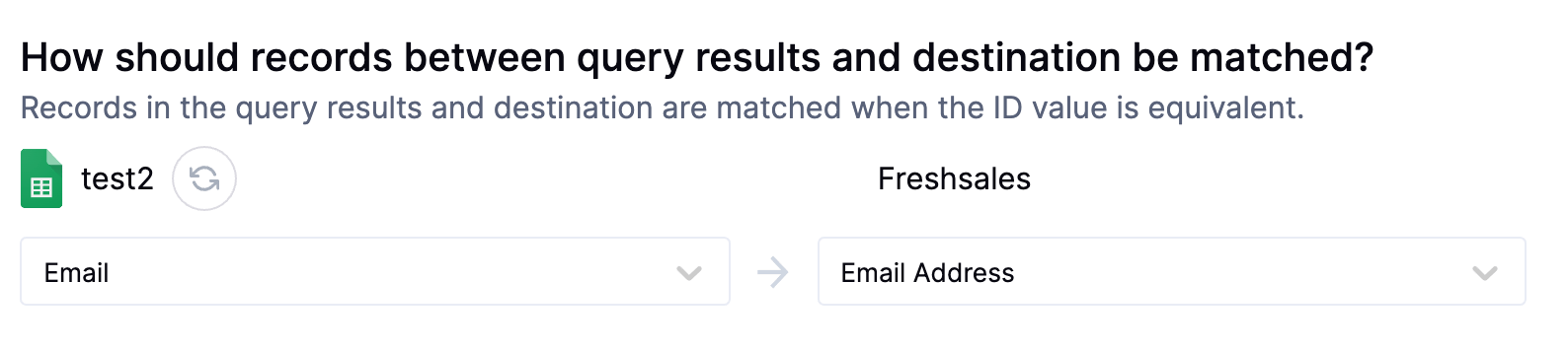
Field mapping
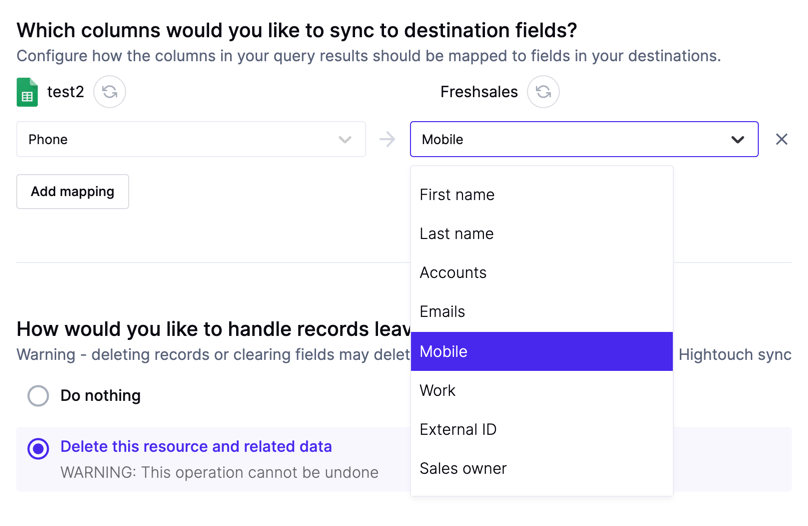
You can sync columns from your source to Freshsales’s Accounts or Contacts properties.