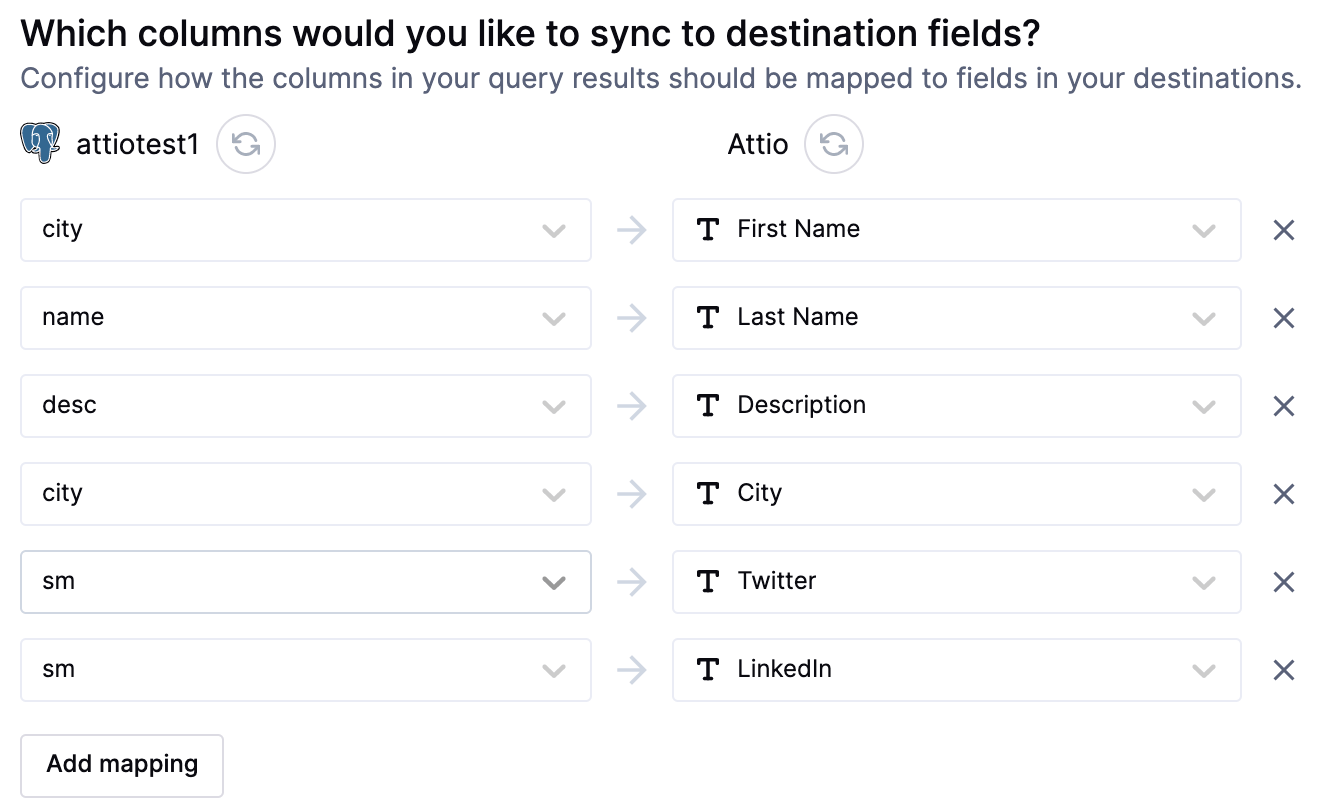
Supported syncing
For more information about sync modes, refer to the sync modes docs.
Connect to Attio
Go to the Destinations overview page and click the Add destination button. Select Attio and click Continue. You will be required to enter your Attio API key. You can locate this API key within your Attio account by navigating to Workspace Settings > Developers: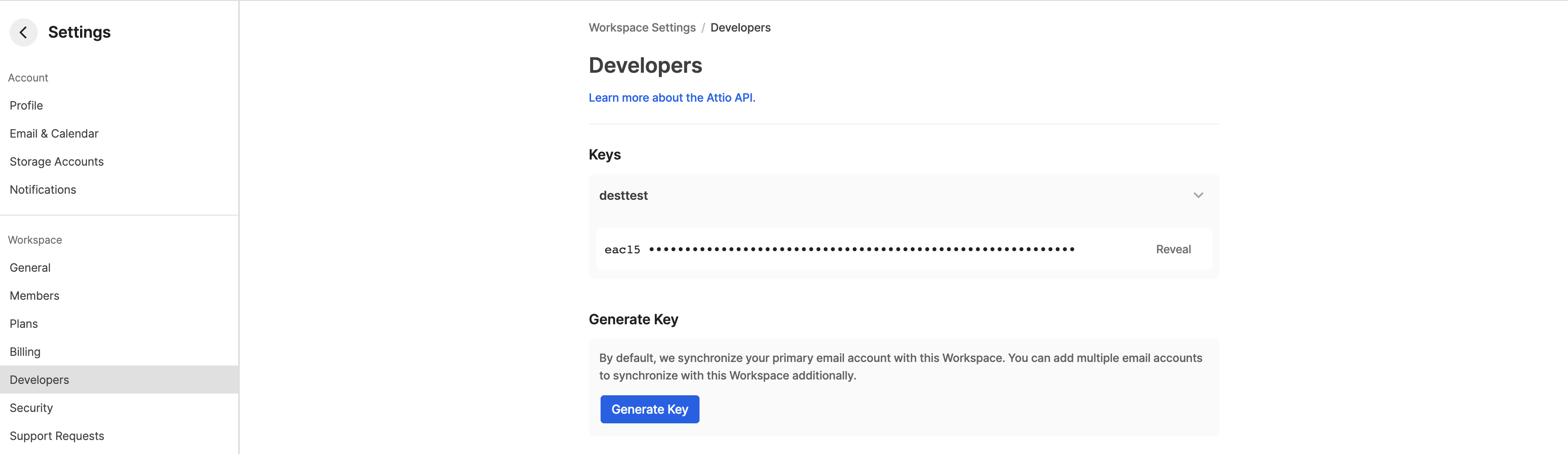
Sync configuration
Hightouch supports syncing to the following Attio objects:CompaniesCustom objectsDealsPeopleUsersWorkspaces
Sync modes
Hightouch supports the following sync modes:- Upsert - pushes new objects to Attio and updates fields that change in your warehouse.
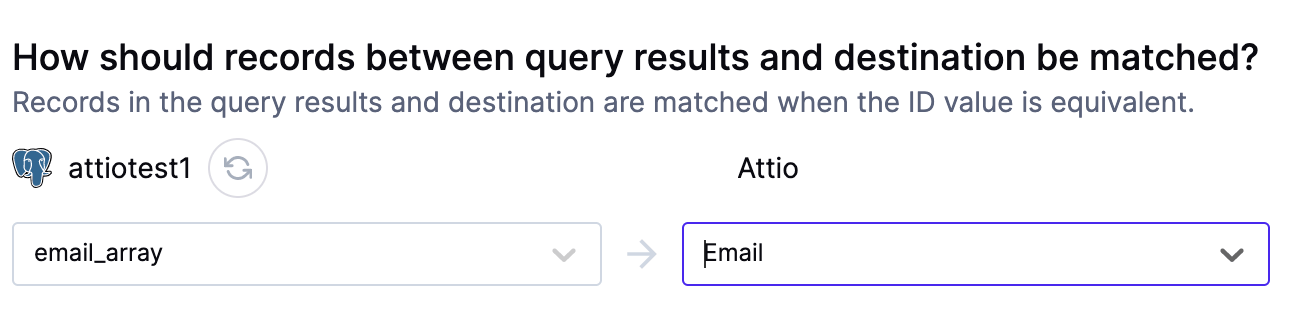
Record matching
Depending on the object you are syncing, records can be matched from your source to your Attio workspace bydomains for companies, email_addresses for people, or other read-only fields for custom objects.
Field mapping
You may also sync columns from your source to Attio’s object properties.