

Bloomreach is a premium destination and is only available on Business tier plans.
Supported syncing
Connect to Bloomreach
To use the Bloomreach destination in Hightouch, you need to provide a Bloomreach API Key, API Secret, API URL, and Project Token. Follow these steps to retrieve your credentials:- In Bloomreach, click the wheel icon in the top right corner. Select Project Settings from the dropdown.
- Click on Access management in the side navigation. Select API from the options.
- Your Project token and API Base URL are here. You can either use an existing API Key ID and API Secret, or you can click + Add key to create another one.
Syncing data
Events
When syncing events, Hightouch treats any records added to your source as new events and sends them to Bloomreach when your sync runs. You need to select the type of event and one or more hard and/or soft customer IDs to make the API call to Bloomreach. The most common customer IDs areregistered.
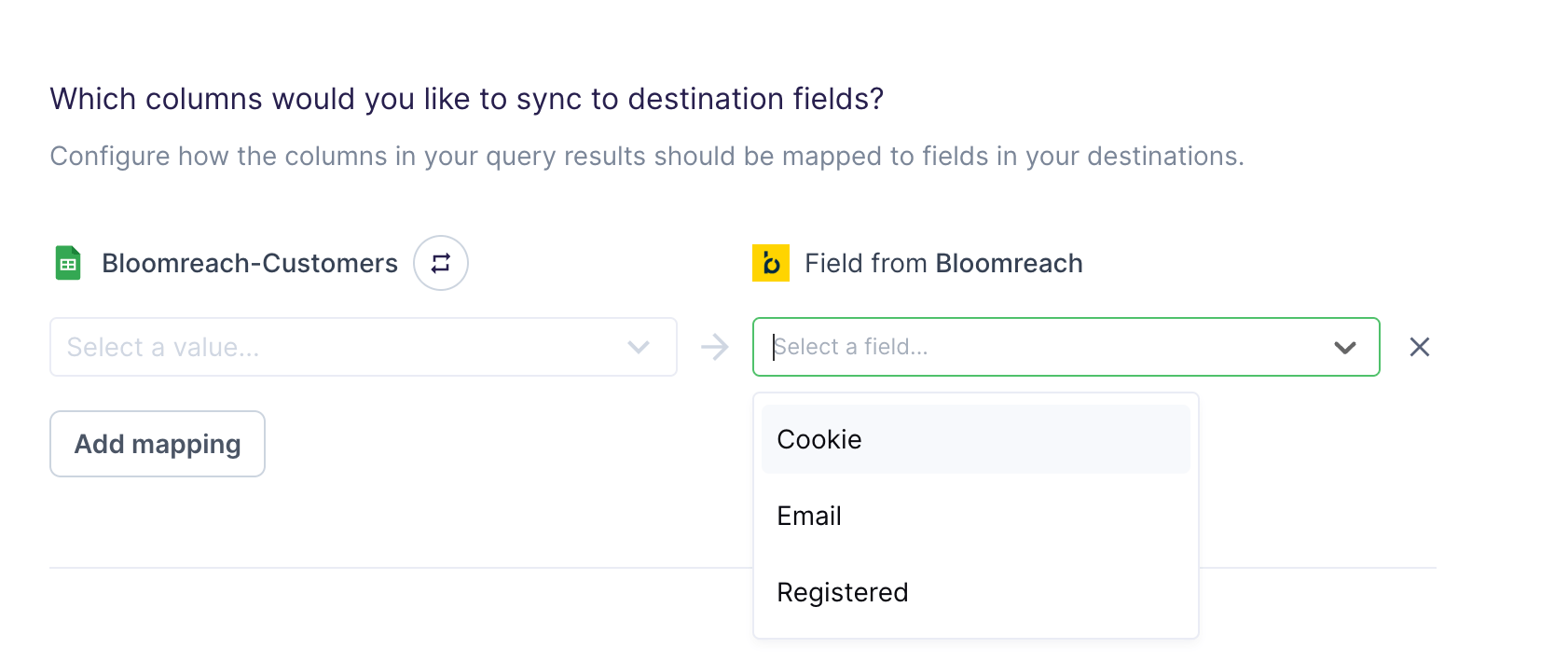
Field mapping
One or more of the event properties, also known as attributes, are required. The event properties show up as custom mappings and attach custom data relevant to your event.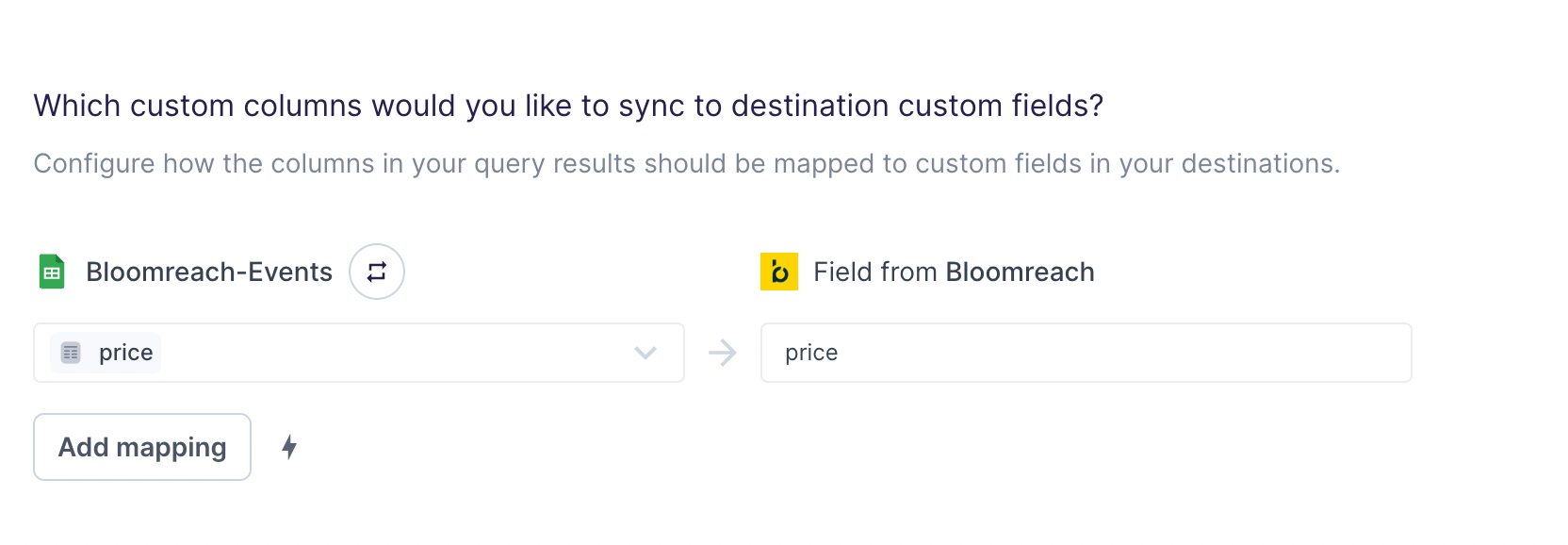
Custom mappings are included as the
properties
parameter of the API request payload.Customers
You can also sync to the Customers object. This integration supports Upsert mode, meaning you can insert new customers and update existing ones in Bloomreach.Record matching
You can match rows in your model with customers in Bloomreach on one or more of the following hard and/or soft customer IDs:- Cookie
- Registered
ID mappings are included as the
customer_ids
parameter of the API request payload.Field mapping
You need to include at least customer property you wish to update. The customer properties show up as custom mappings and attach custom data relevant to your customer.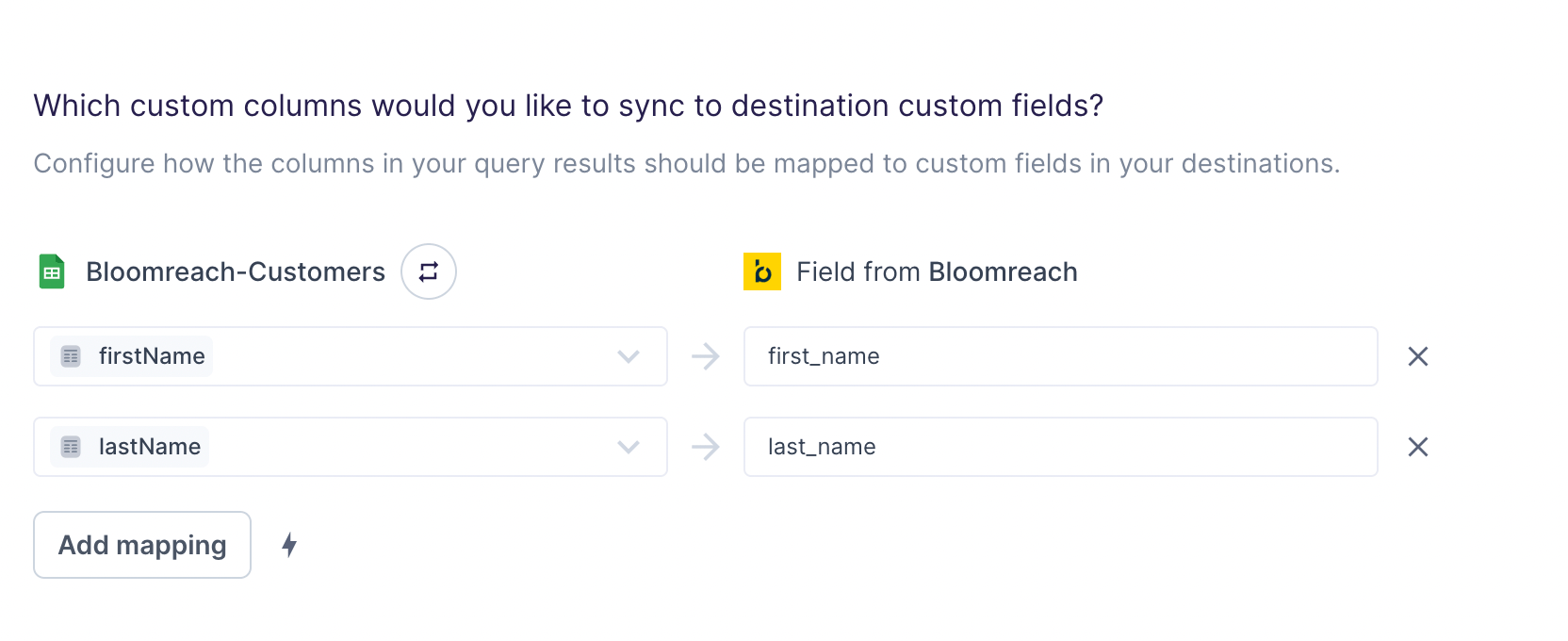
Custom mappings are included as the
properties
parameter of the API request payload.