Setup
Grab your Vero Auth Token under Settings > Project Settings > API Credentials.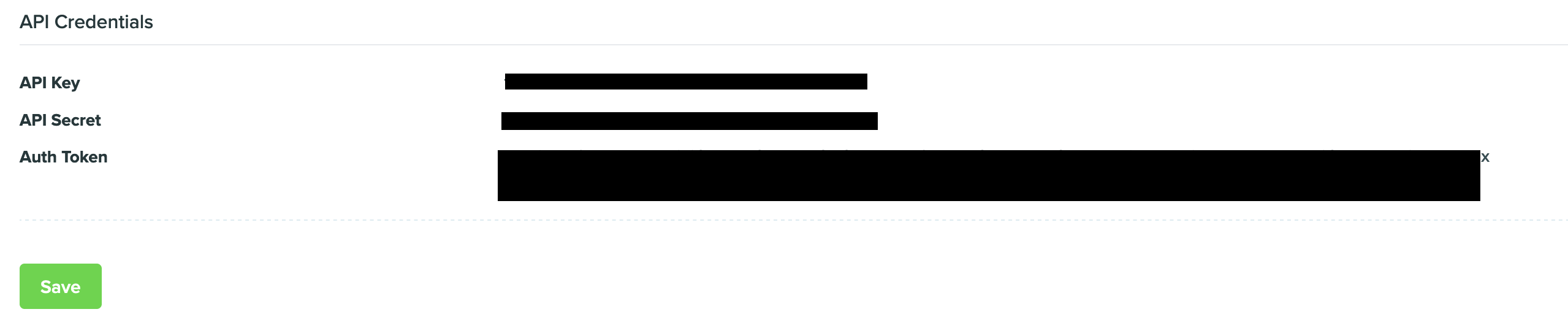
Syncing
Hightouch supports syncing to the following Vero objects:- Users
- Events
Sync modes
Hightouch supports Update and Insert sync modes. During Upsert mode, new objects will be inserted into Vero and all attributes will be kept up-to-date within Vero. During Insert mode, existing objects will be ignored but new objects will be inserted into Vero.Upserting users
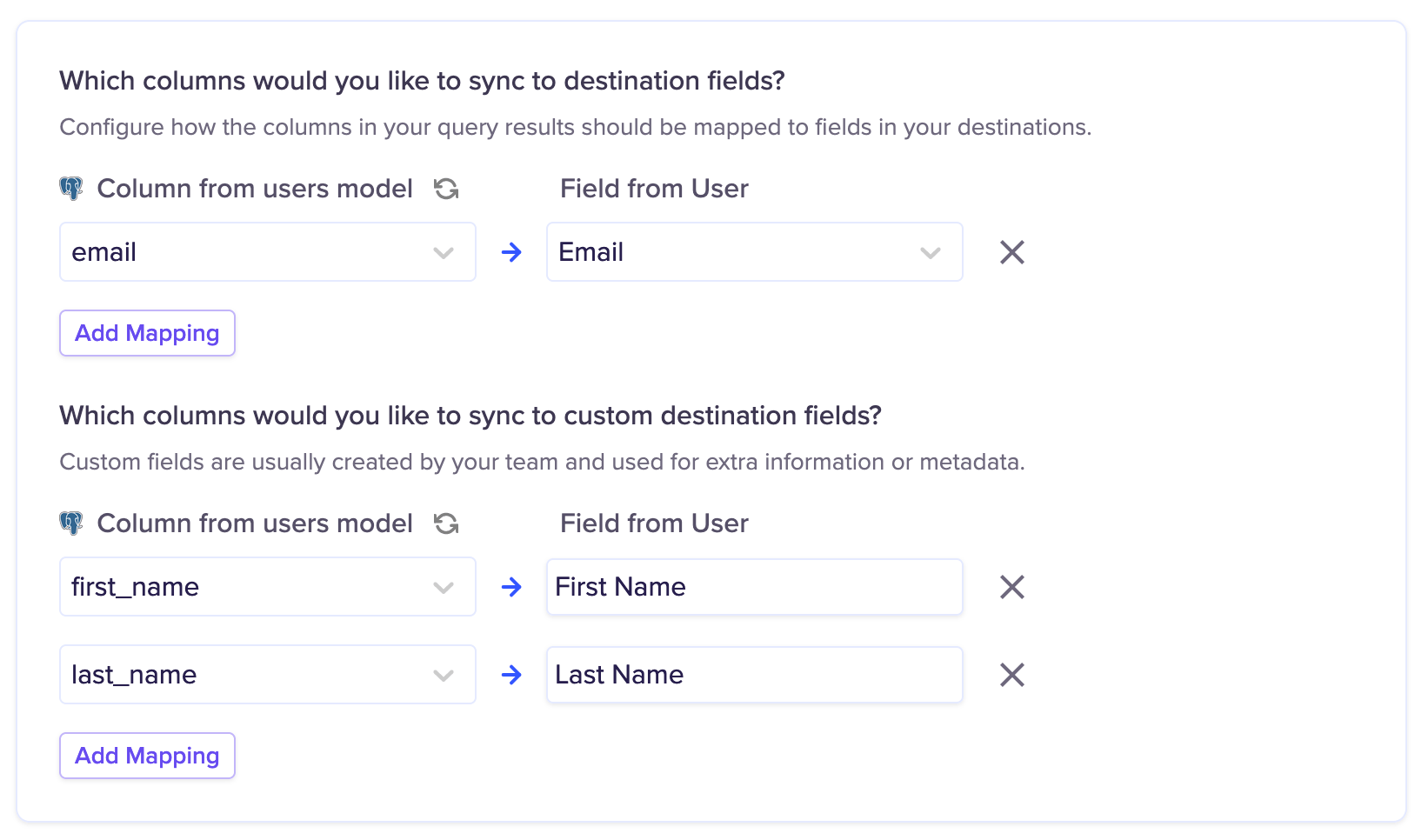
it’s required to send a User ID to Vero to identify the user.
Inserting events
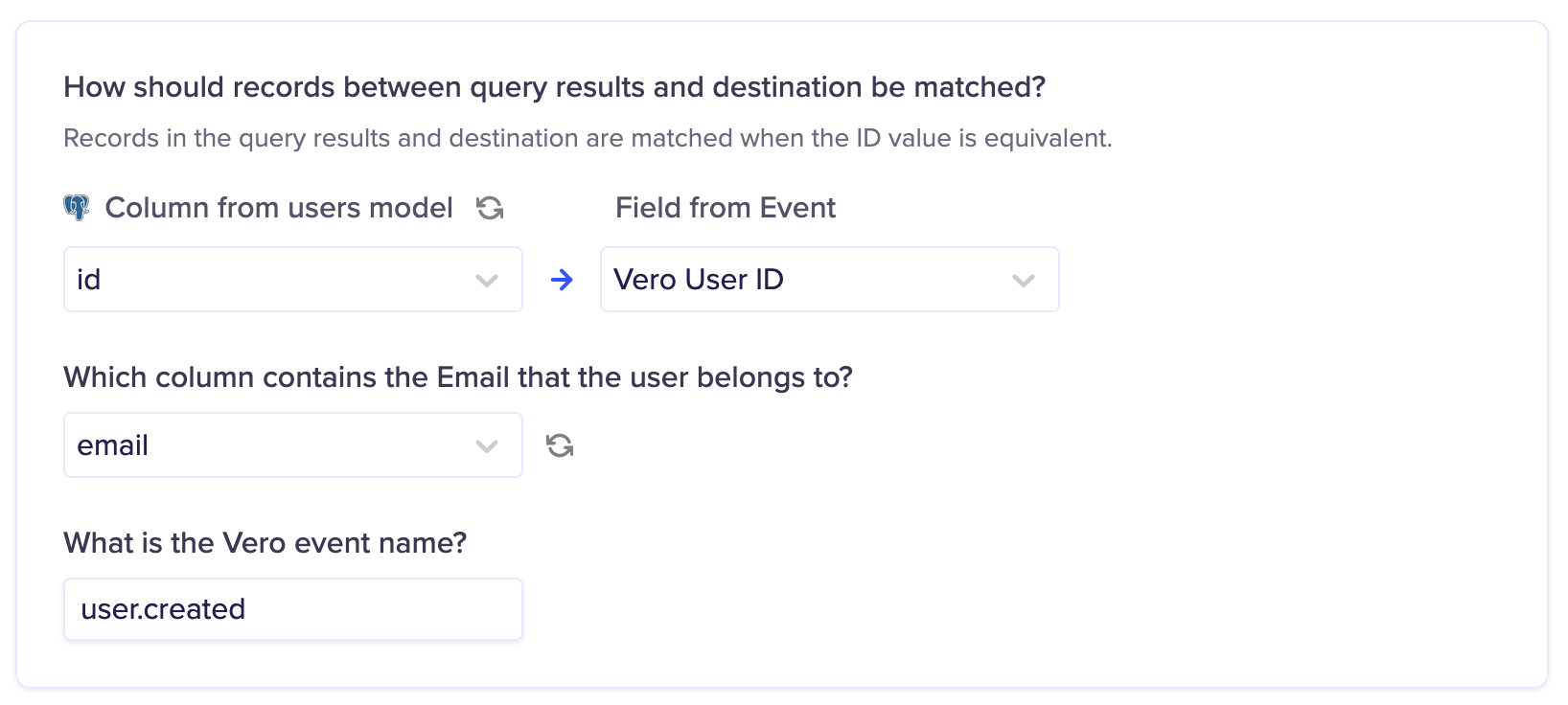
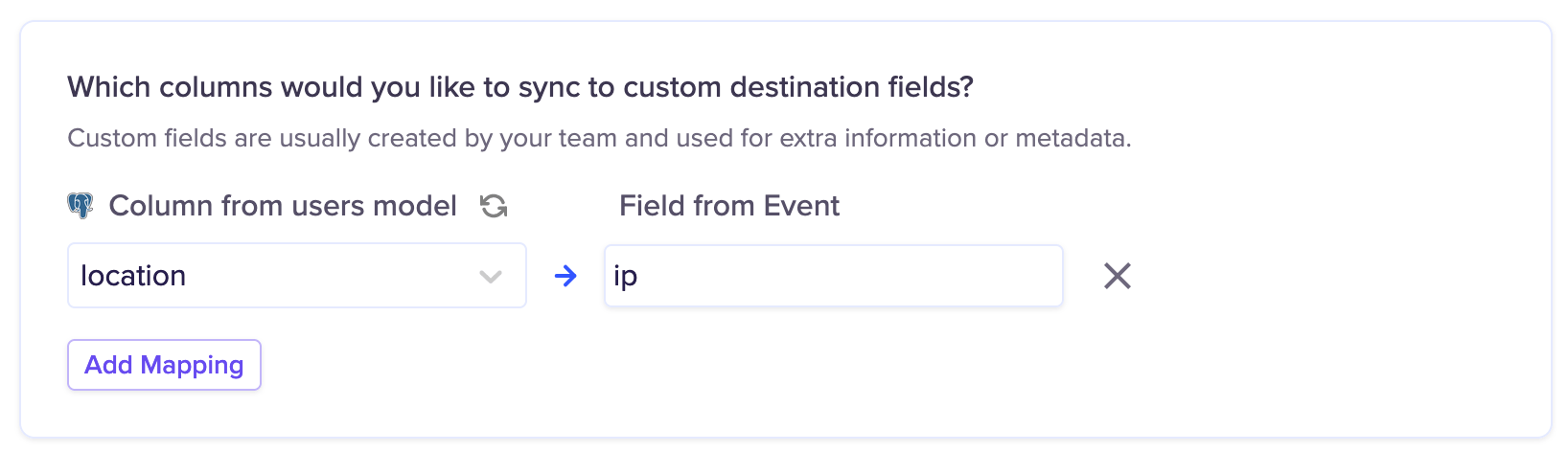
it’s required to send a User ID and email to Vero to identify the user for the event. You must also configure an Event Name to be used for the Sync.