Overview
Ideally, your data warehouse should contain all your customer data. When that’s the case, using your warehouse as the source for your Pendo data enables richer, more granular analysis. You can sync enriched data from your warehouse and data from other engagement tools. Moreover, you can ensure that the data in Pendo consumed by your product and growth teams is always up-to-date and in the expected format. If your company also uses a Business Intelligence tool such as Looker or Mode alongside Pendo, you can ensure that the data is consistent across both systems since your data warehouse is the only true source of data.Supported syncing
For more information about sync modes, refer to the sync modes docs.
Connect to Pendo
Go to the Destinations overview page and click the Add destination button. Select Pendo and click Continue. You can then authenticate Hightouch to Pendo with an Integration Key and Track Event Shared Secret.Create Pendo Integration Key
In your Pendo admin go to Settings > Integrations > Integration Keys. Then follow the instructions below:- Select + Add Integration Key.
- Enter a meaningful description for your Integration Key, for example, “Hightouch Integration.”
- Provide the key Allow writes access.
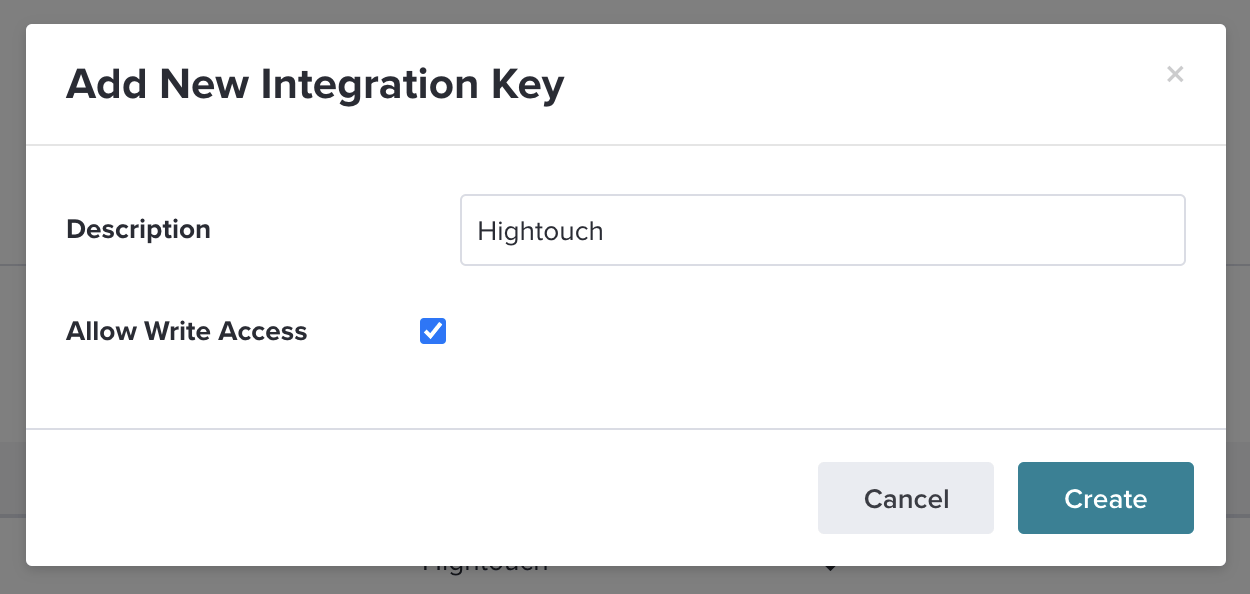
- Select Create. Securely store this key for use in Hightouch.
Access Track Event Shared Secret
To access your Track Event Shared Secret go to Subscription Settings > Choose your App > App Details in your Pendo admin. You must be a Pendo Admin to have access to this Secret Key. You can find more information in Pendo’s events tracking documentation.Sync configuration
Once you’ve set up your Pendo destination and have a model to pull data from, you can set up your sync configuration to begin syncing data. Go to the Syncs overview page and click the Add sync button to begin. Then, select the relevant model and the Pendo destination you want to sync to.Events
The Pendo integration lets you send events to Pendo with custom properties. You must input the following information:- Event name: either a model column containing the event name or a static value.
- Timestamp: a model column containing the time the event occurred; if you leave this empty, Pendo uses the time the event arrives at the server.
Field mapping
Pendo suggests that you always supply both a Visitor ID (required) and Account ID (strongly recommended). In addition, you can choose to map additional fields to your Pendo event payload in the custom properties.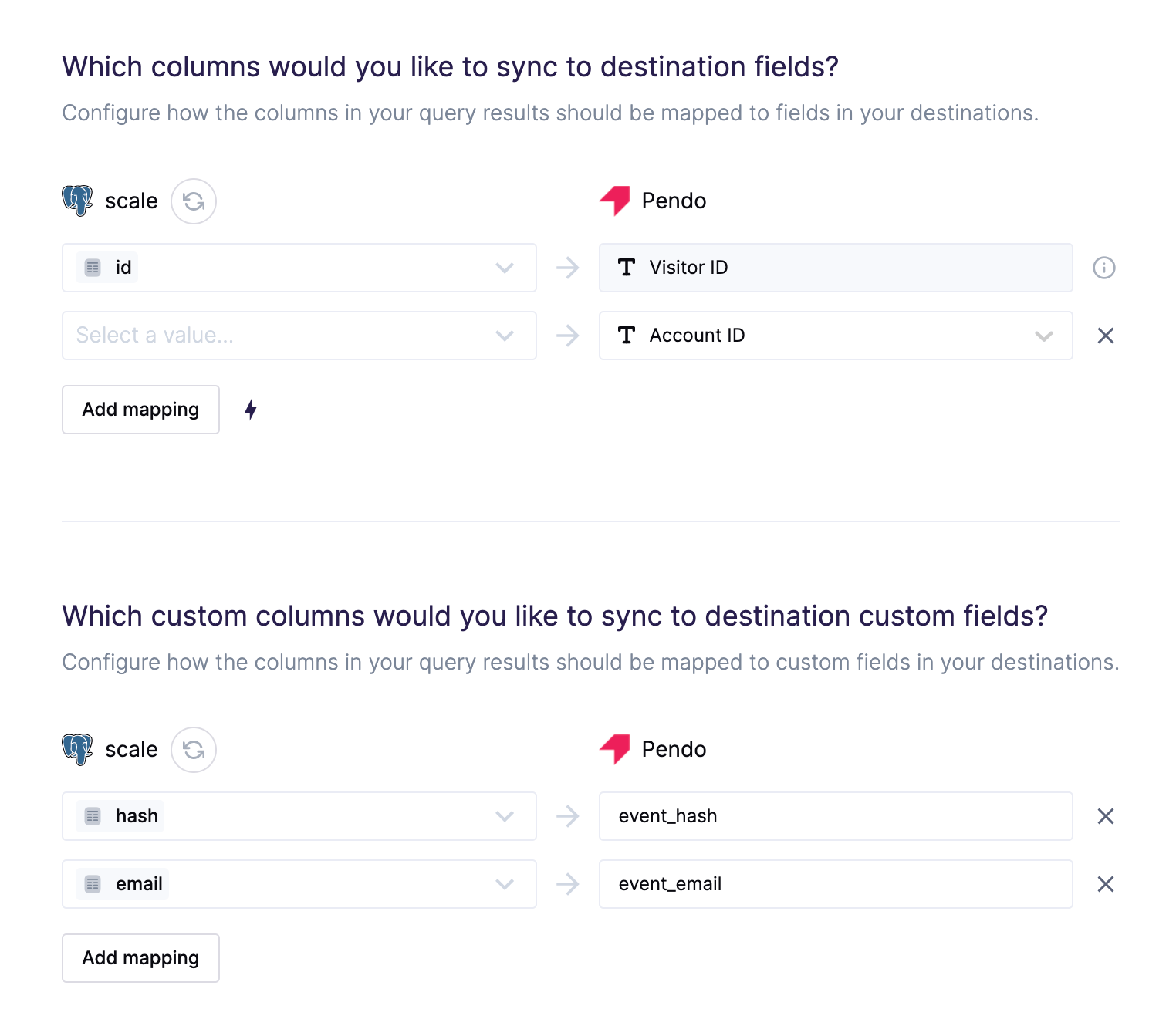
Objects
The Pendo integration allows users to update existing visitors, accounts, and parent accounts with metadata—both agent and custom fields.Record matching
You have to choose how to match records from your model to objects in Pendo. Select a column from your model that corresponds to your Pendo profile ID. The following example screenshot shows mapping the model’s id column to Pendo’s Visitor ID field.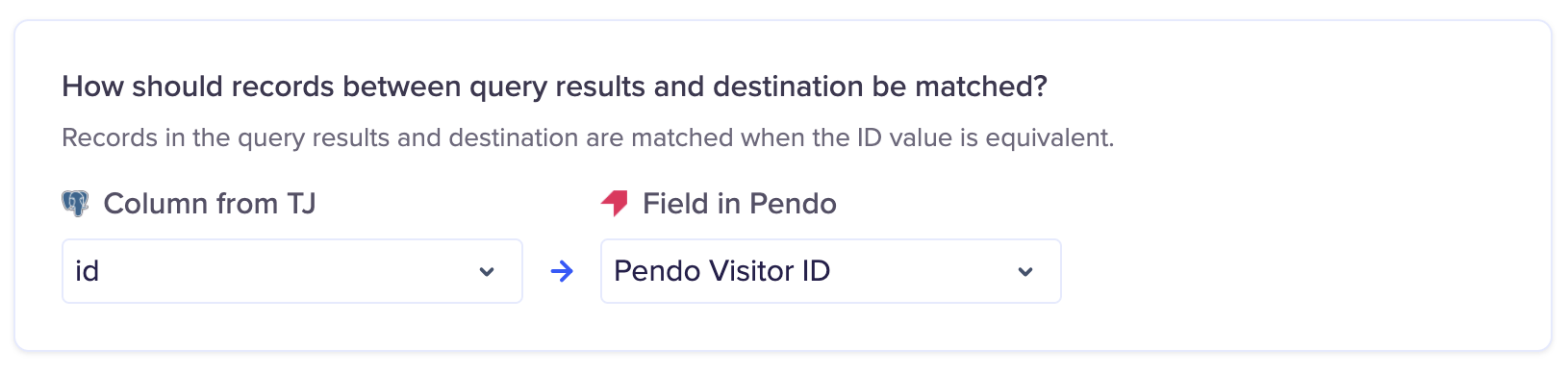
Field mapping
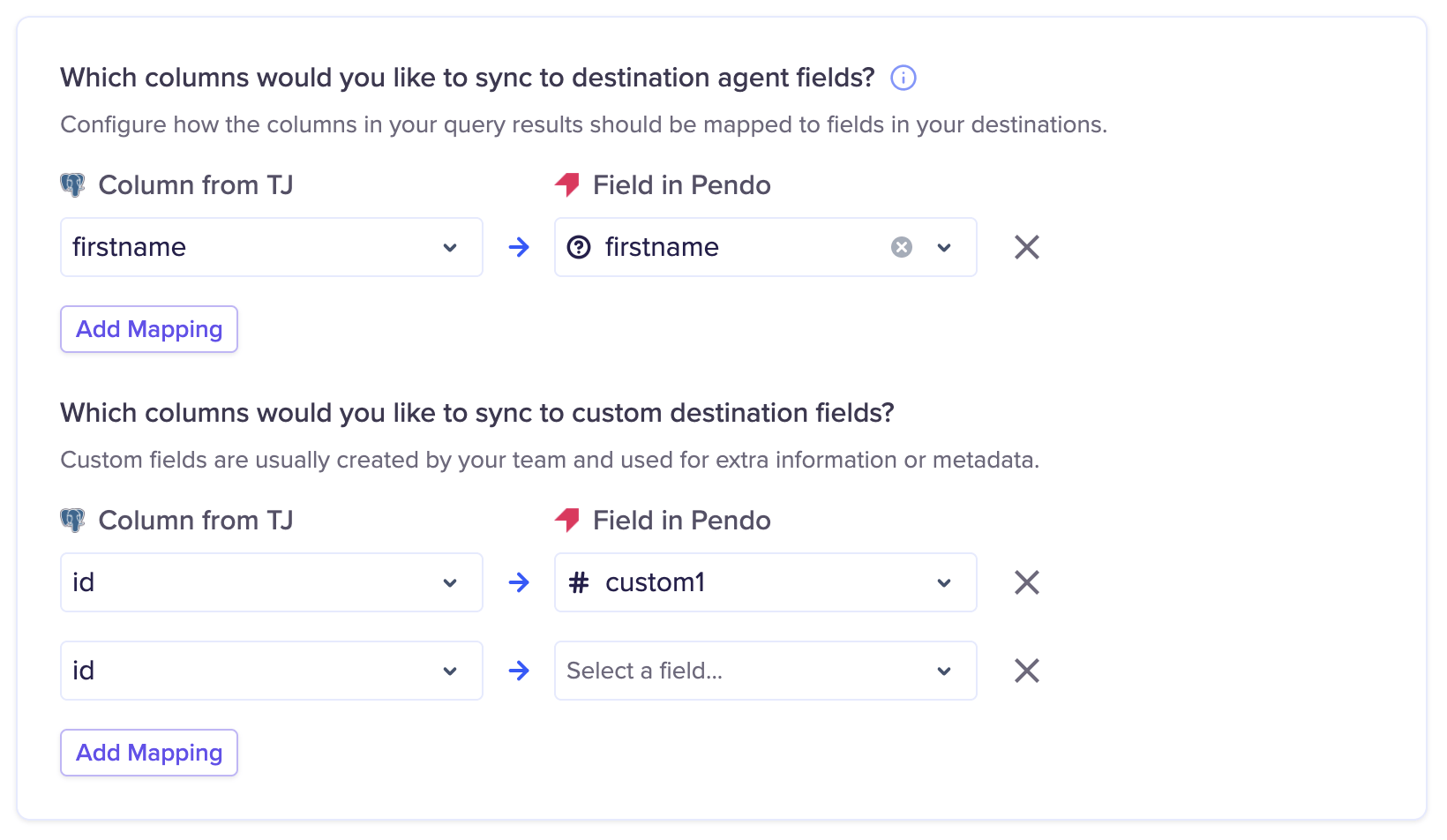
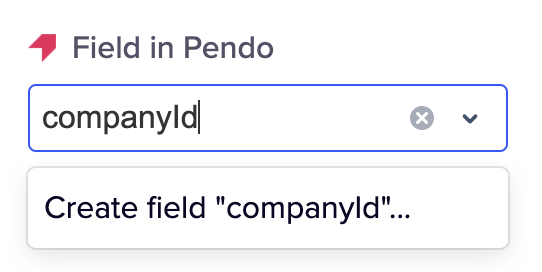
Pendo has two field types:- Agent fields are API-created fields the agent integrated on your website or app.
- Custom fields are editable in the UI and through the API,