

Audit logs are only available on Business tier plans.
View audit logs
Workspace admins can view logs by going to the Audit log tab on the Settings page. The logs consist of a table of actions beginning with the most recent. Each row represents one action.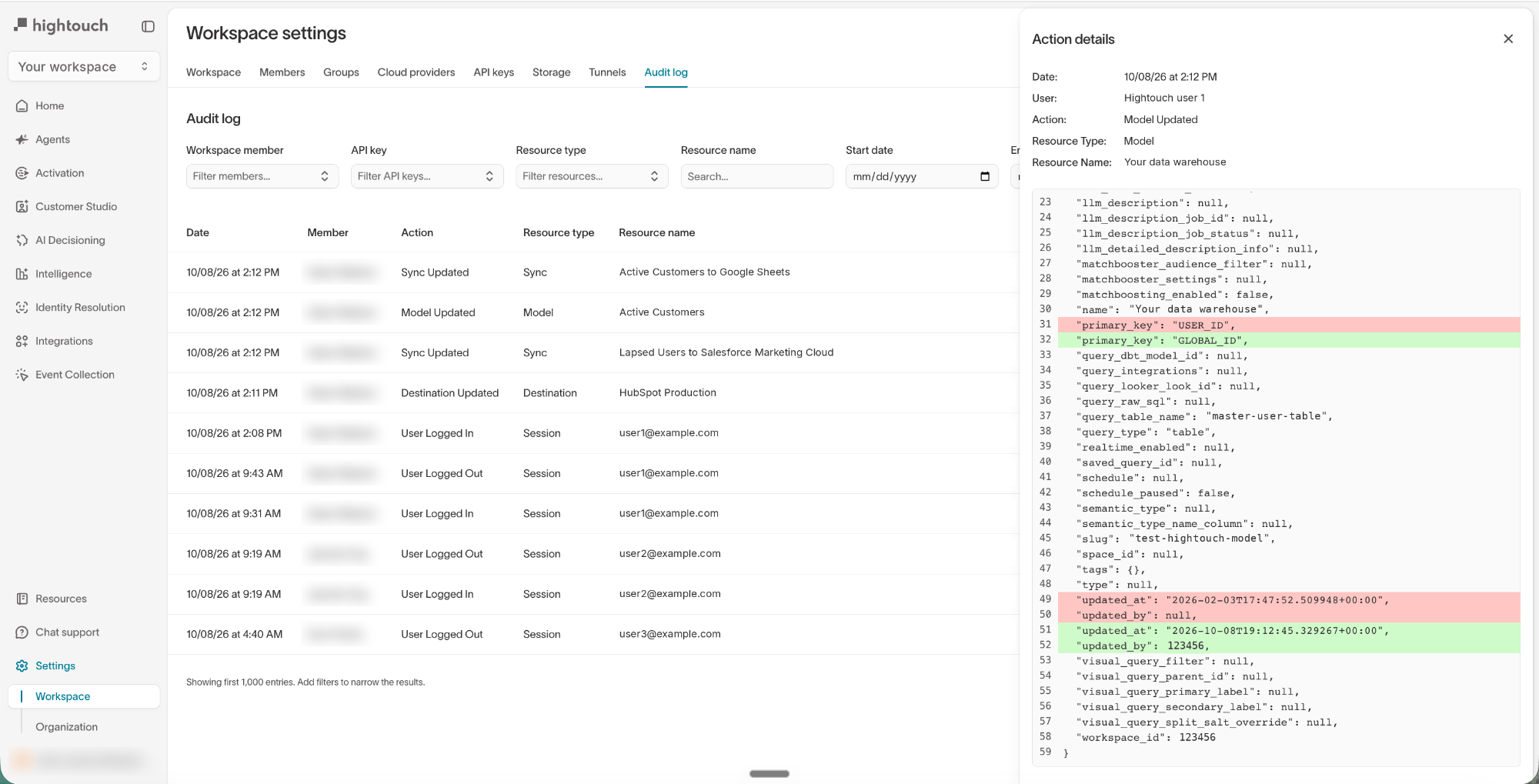
- The Date and time, in the viewer’s timezone, the action took place
- The Action name, for example, “Sync Updated”
- The Member who performed the action, with an API key badge if they made the change with an API key
- The Resource type of the resource the action was performed on
- The Resource name of the resource the action was performed on
Filter audit logs
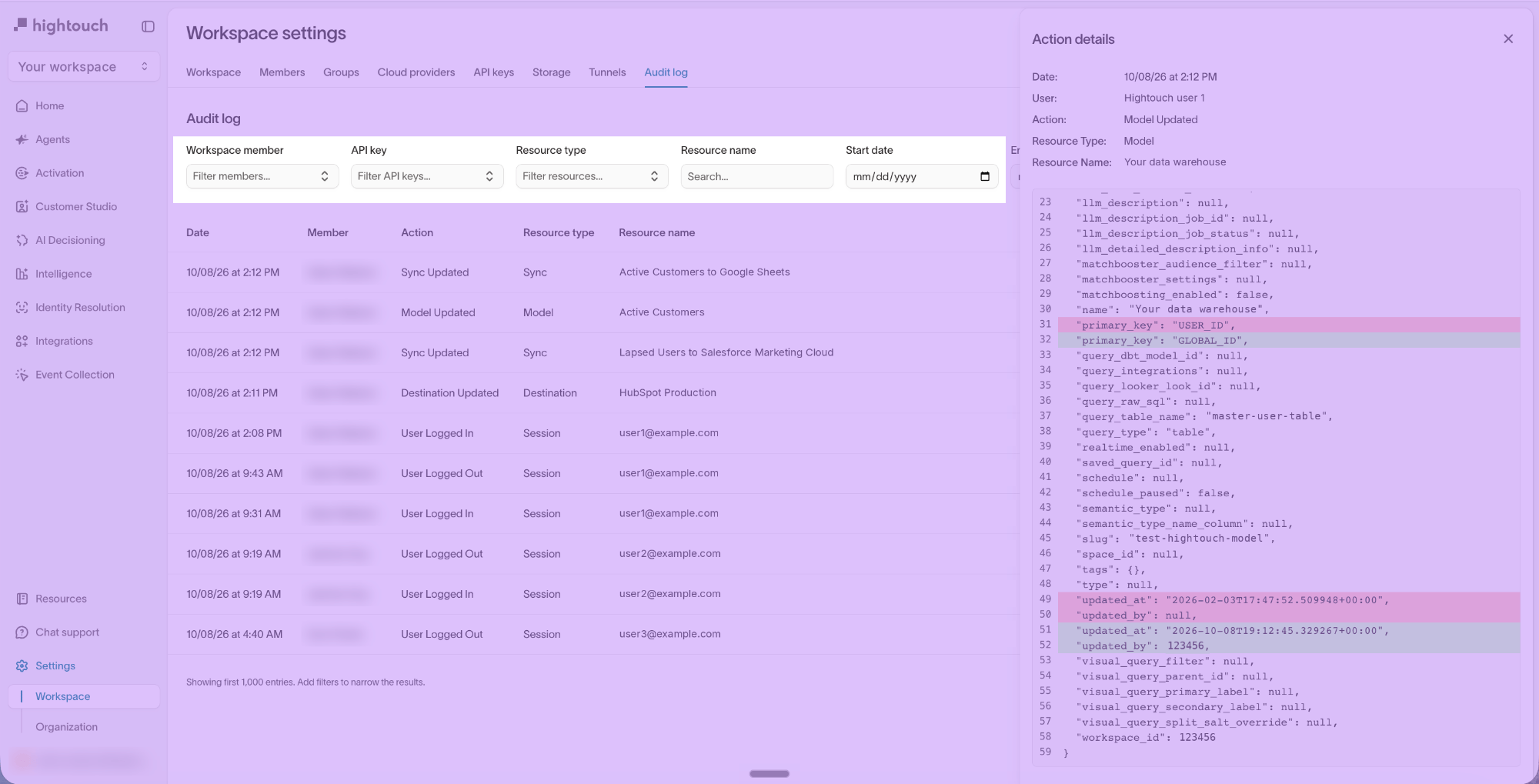
You can filter logs by:- the workspace member who performed the action
- the API key used to perform the action
- the resource type the action was performed on
- the resource name the action was performed on
- a range of dates
Export audit logs
Workspace admins can export the audit log as a CSV file, for example to keep a copy for compliance reviews. The export includes the workspace’s full audit log, not only the entries that match your current filters. To export the audit log:- Go to the Audit log tab on the Settings page.
- Click Export, then confirm.
FAQ
Who can view audit logs?
Users with the Workspace admin role in a workspace can view its full audit log. Organization admins receive this role automatically. Custom roles can’t grant access to the full audit log. Users without that role can still see the change history of an individual sync, model, or audience on its Activity tab, as long as they can view that resource.What do audit logs include?
Audit logs track user-driven activity vs. programmatic changes. They work by taking a JSON snapshot of the changed resource for every user-driven change. Hightouch uses these snapshots for a before and after comparison for any changes. A snapshot may include programmatic fields such aslast_run_at, but Hightouch doesn’t append a new audit log every time a field like last_run_at is updated since sync runs can be configured to run at regular intervals.
The exception to this is activity driven by Git Sync. For example, if a user changes a configuration via Git Sync, Hightouch treats that as a user-driven change, and it appears in the audit logs.
For a complete list of tracked actions, see the following list.
Resource types and tracked actions
Audit logs show creation, update, and deletion type actions for the following resource types:Older resource types
The Resource type filter also lists three types that Hightouch no longer records. They hold entries from before Hightouch moved workspace access to user groups:- Invite — Workspace invitations. Invitations sent today are organization-level invitations, which workspace audit logs don’t record.
- Membership — Workspace memberships. Adding or removing someone from a group now appears as User group membership.
- Membership request — Requests to join a workspace. Hightouch no longer supports these requests.