

General models must be enabled by Hightouch. to turn it on.
Before you begin
- A connected data source such as Snowflake, BigQuery, or Databricks
Decide whether to use a general model
Agents can already query the parent, related, and event models in your Customer Studio schema. You only need a general model when an agent needs to query a warehouse table that isn’t part of the Customer Studio schema and that marketers shouldn’t use to build or sync audiences. For example, suppose marketers build audiences of customers from aUsers parent model. An agent answering questions about those customers can already use the user attributes, purchases, and events connected to that schema.
If the same agent also needs to answer:
- How did website traffic change after the campaign?
- Which products had the largest increase in sales?
- How do our results compare with an external benchmark?
Don’t create a general model for a table that’s already available through your
Customer Studio schema. Agents can query existing parent, related, and event
models.
How general models work
A general model makes a warehouse table queryable by agents. For each general model, you can configure:- A name and description that explain what the data represents.
- Column visibility and privacy that set which columns agents can query or return.
- Permissions that restrict access by user or group.
Add general models
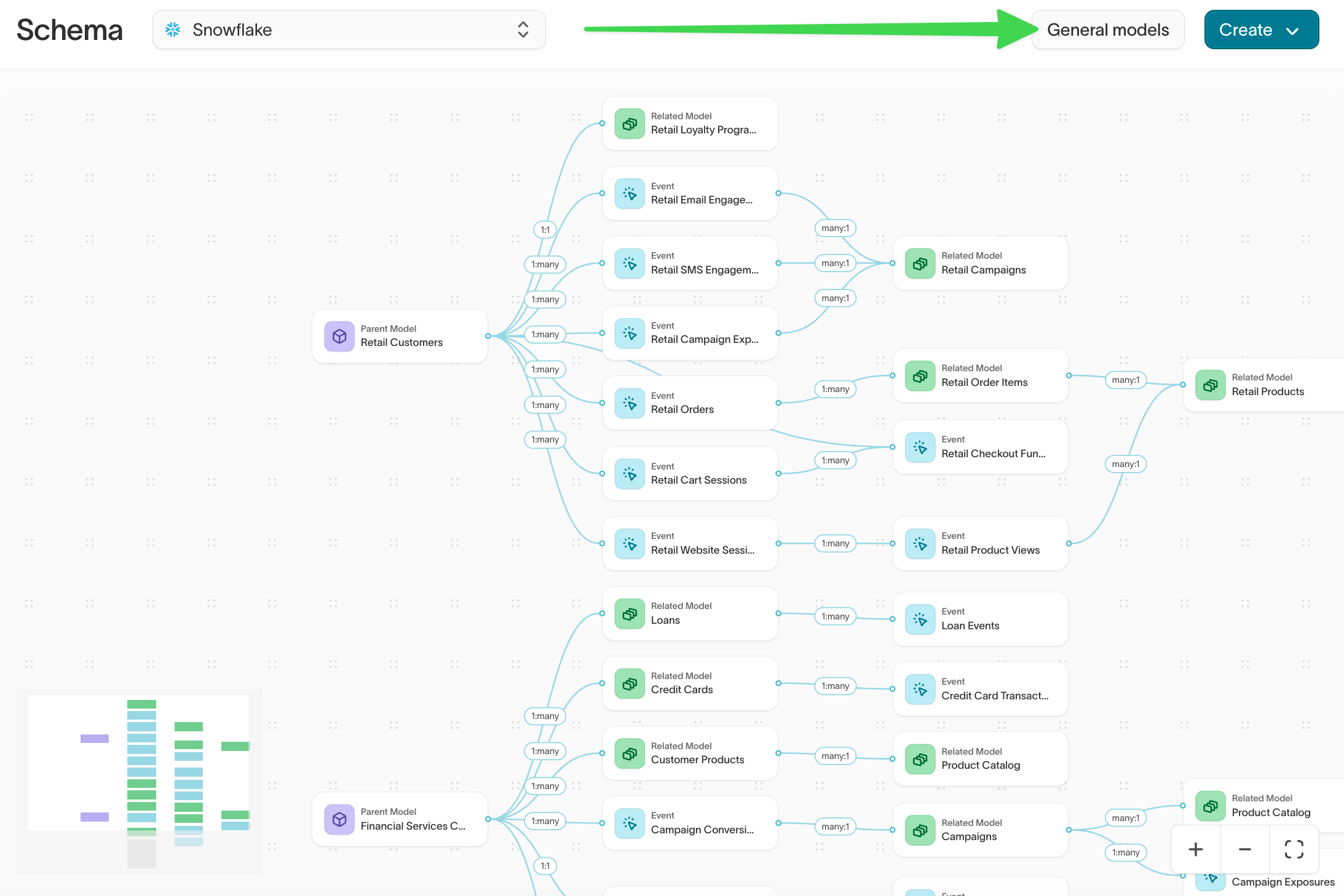
Choose warehouse tables
Select Add general model. Browse or search your warehouse, then select one or more tables that agents should be able to query.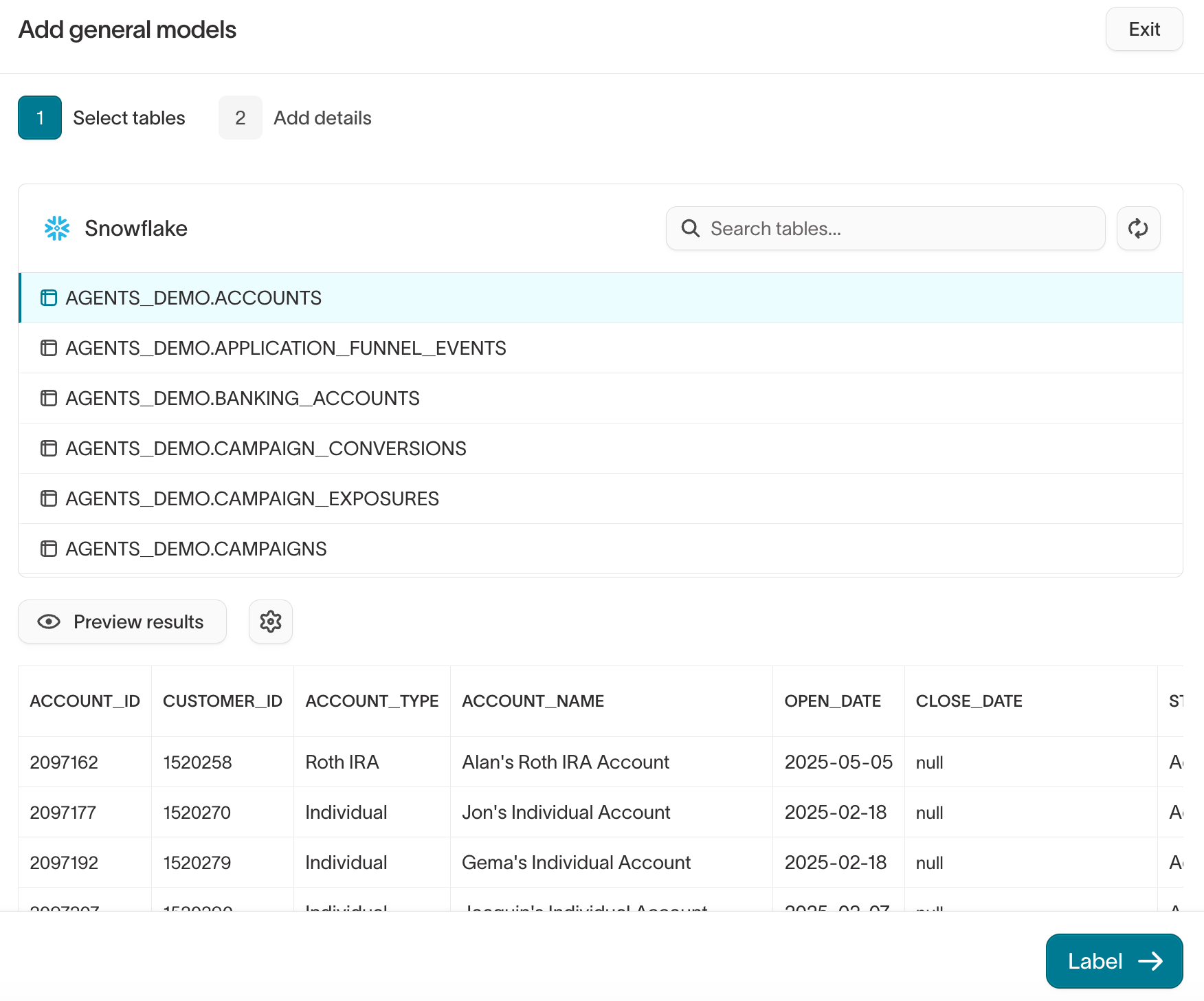
Name and describe each model
For each table, review its name and optionally add a description.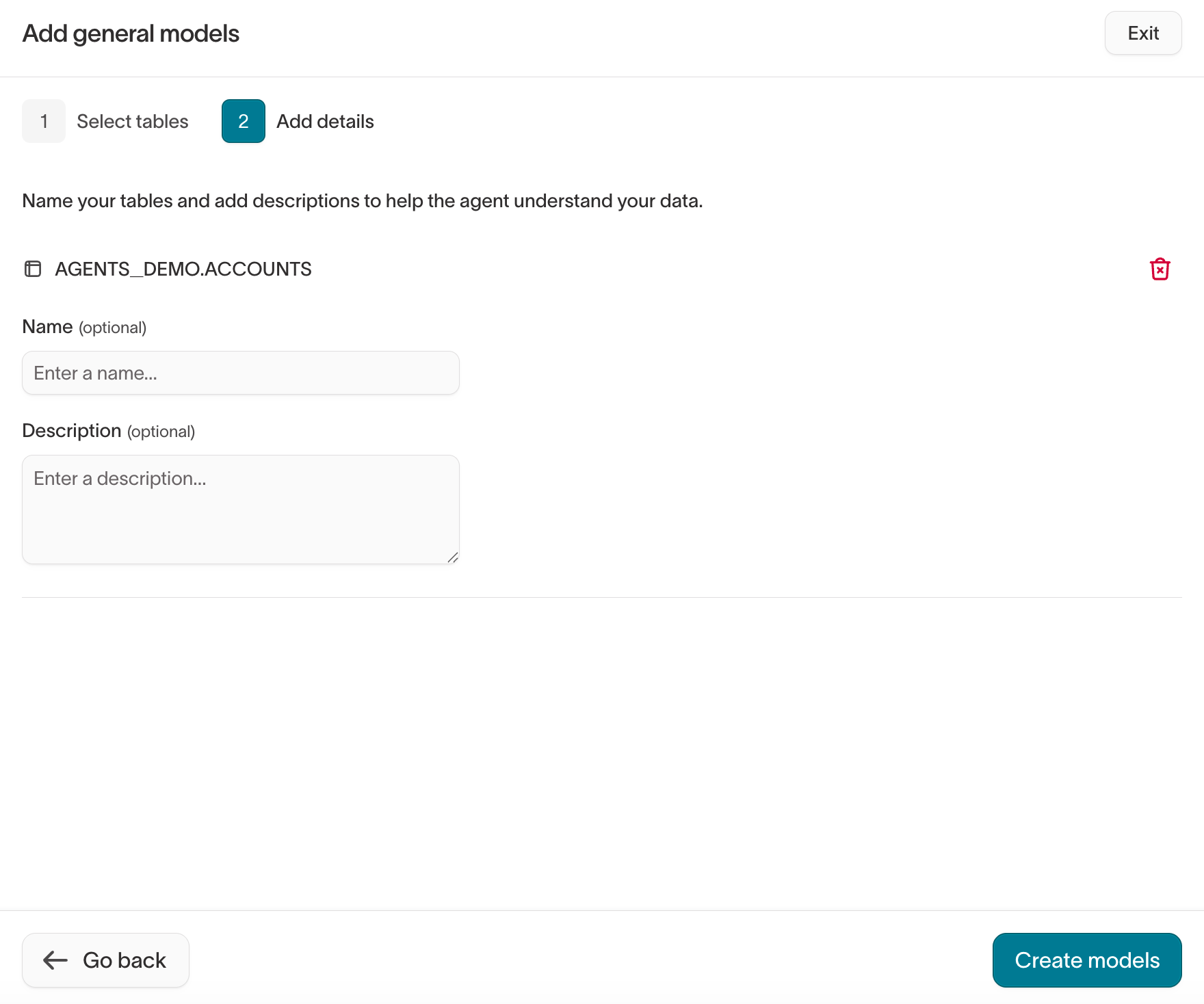
Daily website sessions and conversions by marketing channel. Use this model for questions about traffic, channel performance, and conversion trends.This tells the agent what the table contains and when to use it. A warehouse name such as
fct_web_daily doesn’t.Select Create models when you’re finished.Review the columns agents can query
After creating a model, select it from the General models list.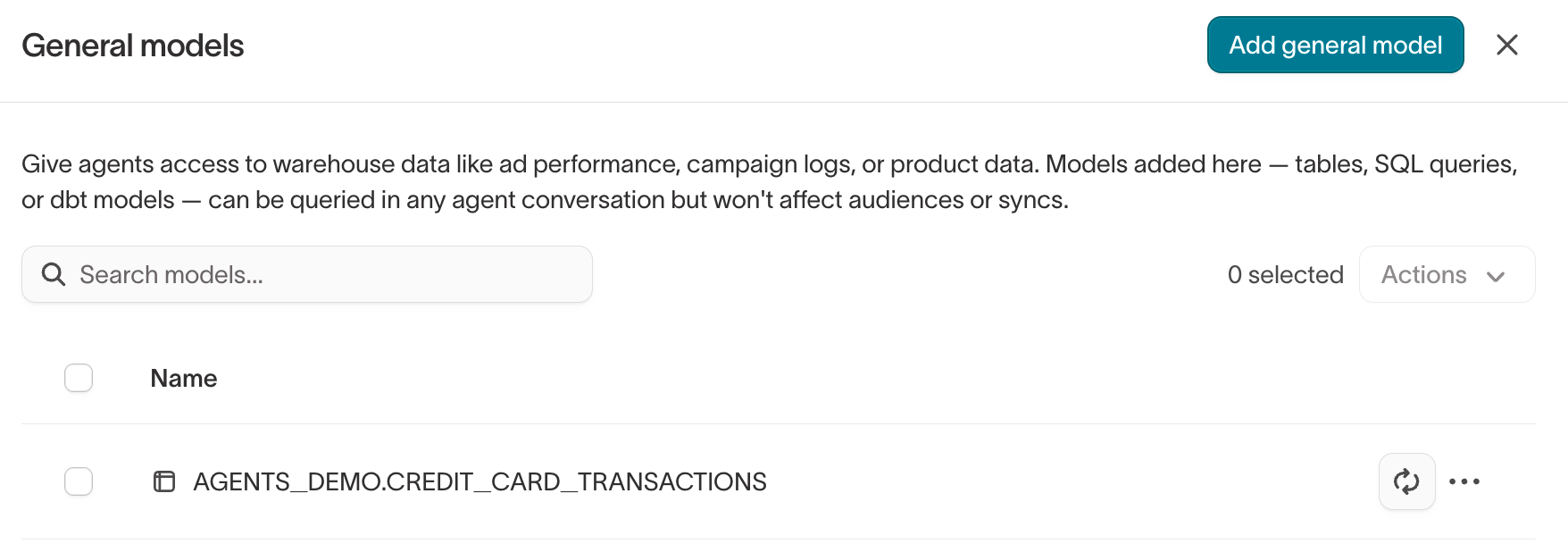
- Columns — choose which columns agents can query or return, and add descriptions where the meaning isn’t obvious.
-
Description — explain what the model represents and the kinds of questions it can help answer.
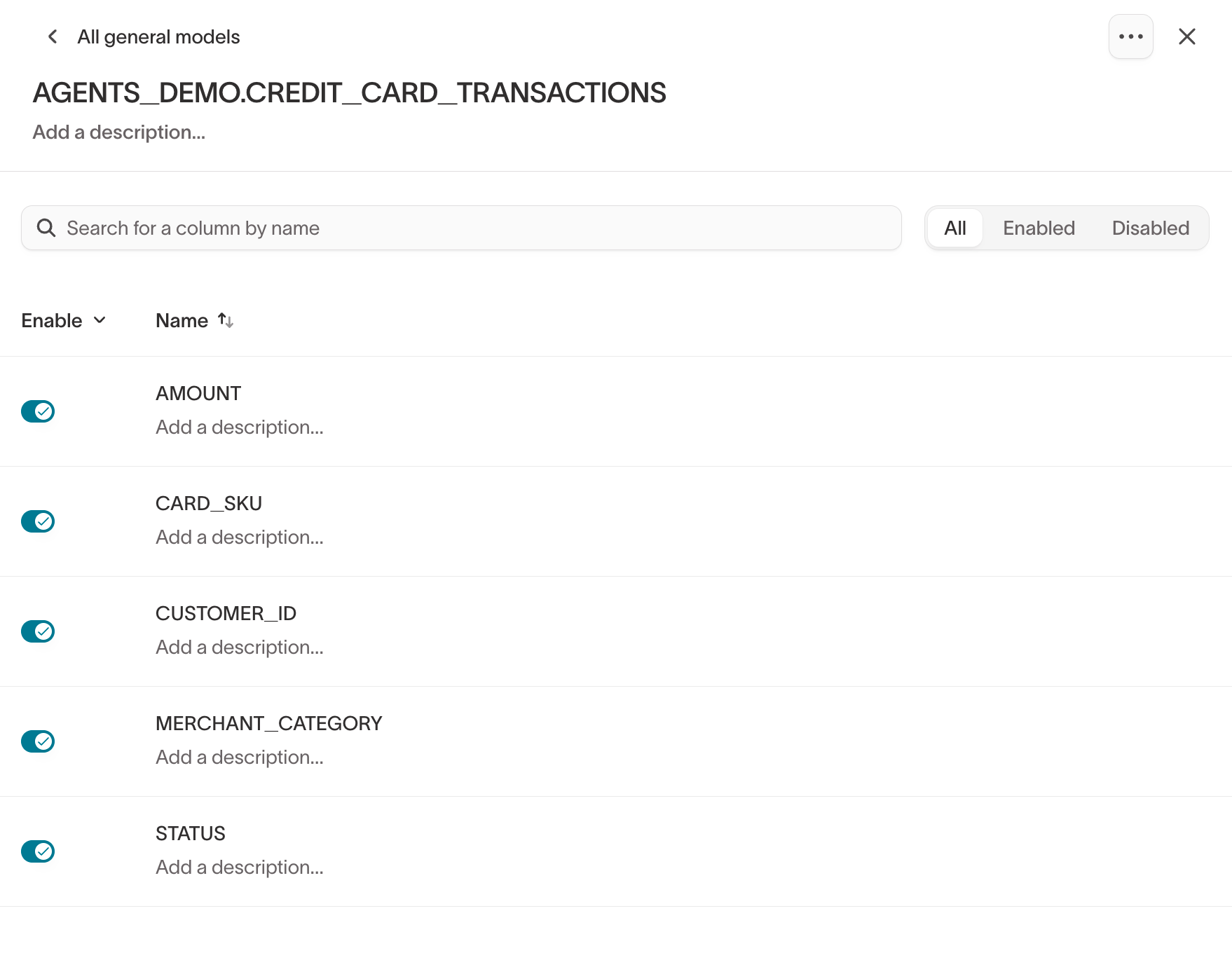
net_rev_30d as “Net revenue generated in the last 30 days” if that’s what the column represents.Control what agents can access
What an agent can access depends on who’s asking. An agent can’t use a model or column that the current user isn’t allowed to access.Model permissions
Adding, editing, or deleting general models requires the Configure schema grant on the source. Use the View model data permission to control who can query each general model. General models appear in the Models tab when you configure user groups and roles.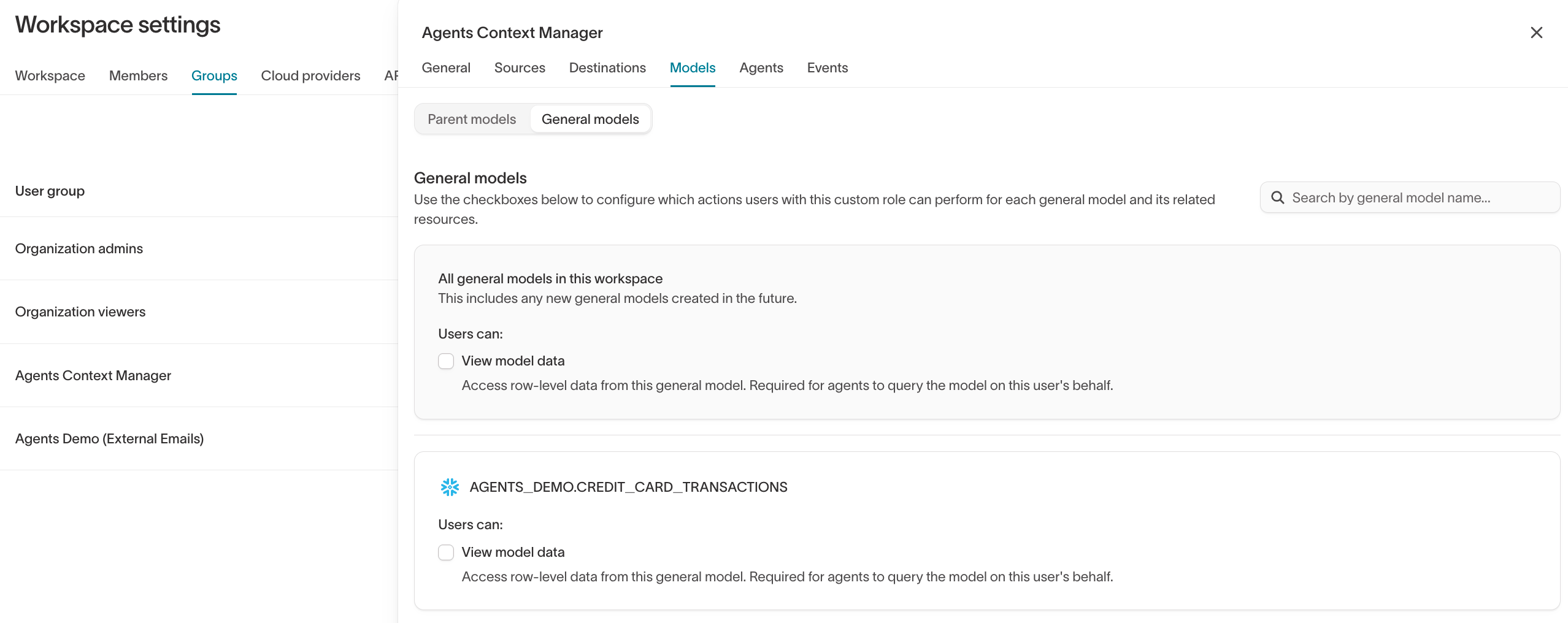
Column privacy
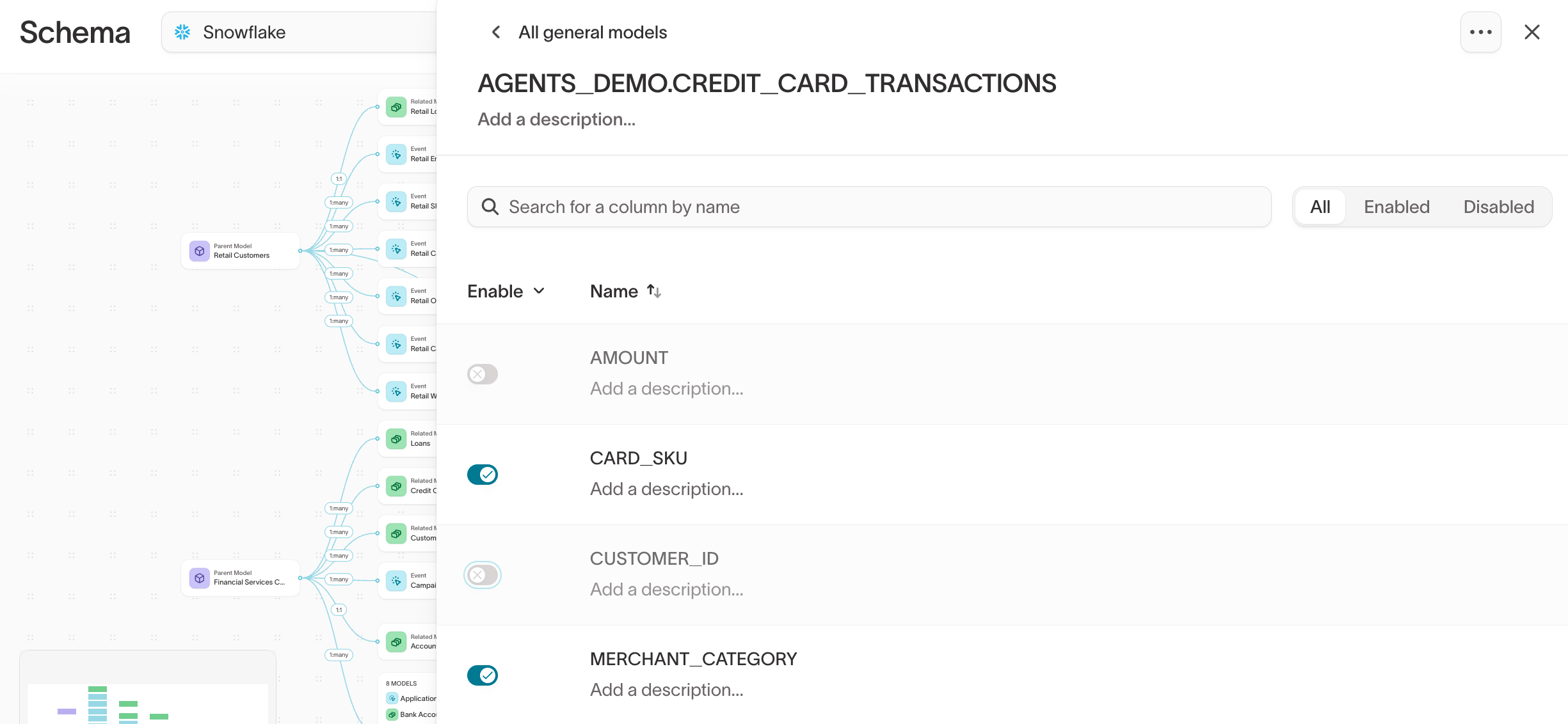
Column privacy controls whether agents can query or return individual column values. Depending on the column’s privacy level, you can:- prevent agents from using the column
- allow agents to filter on the column without seeing its raw values
- allow agents to use and return the column’s values
Query general models with agents
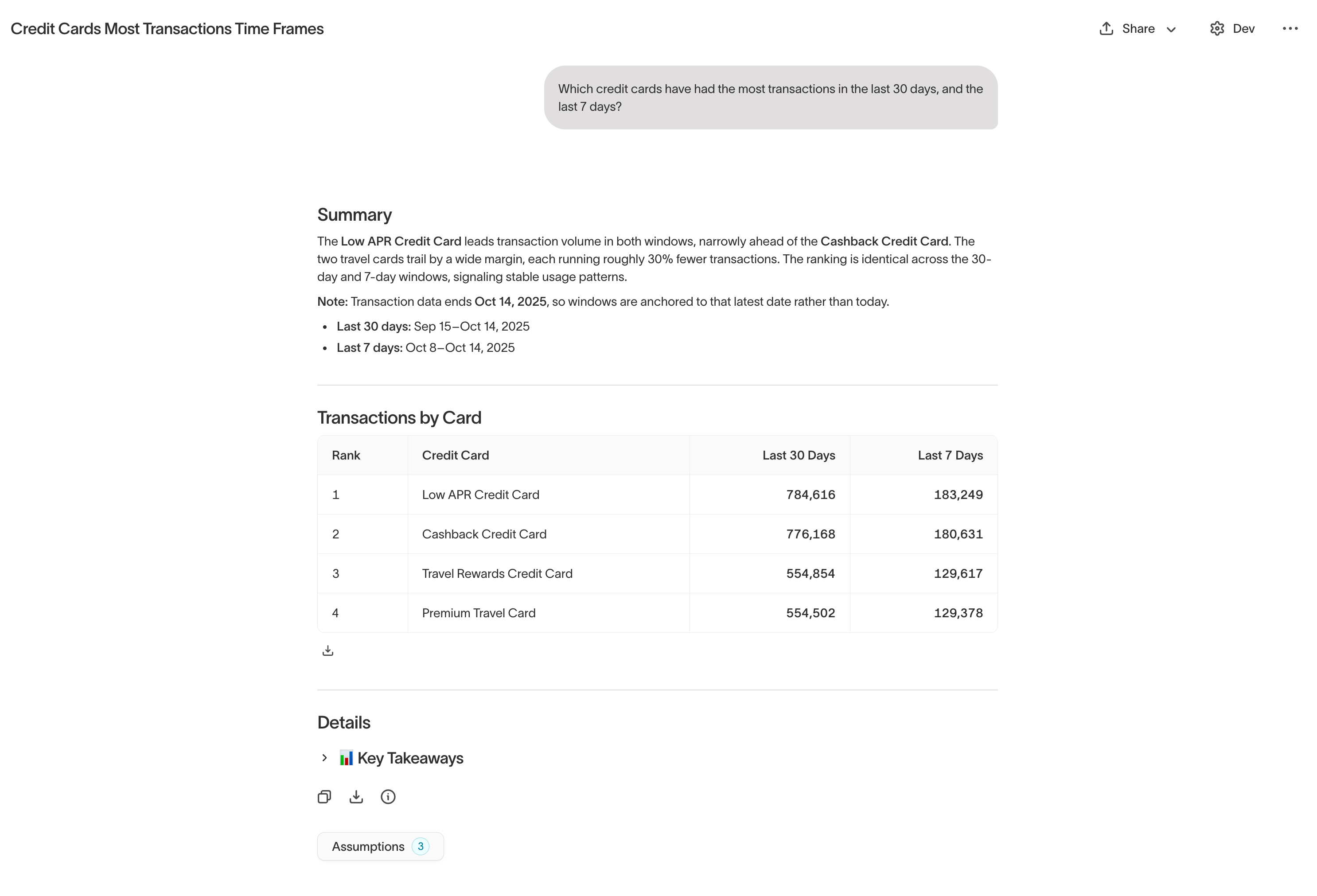
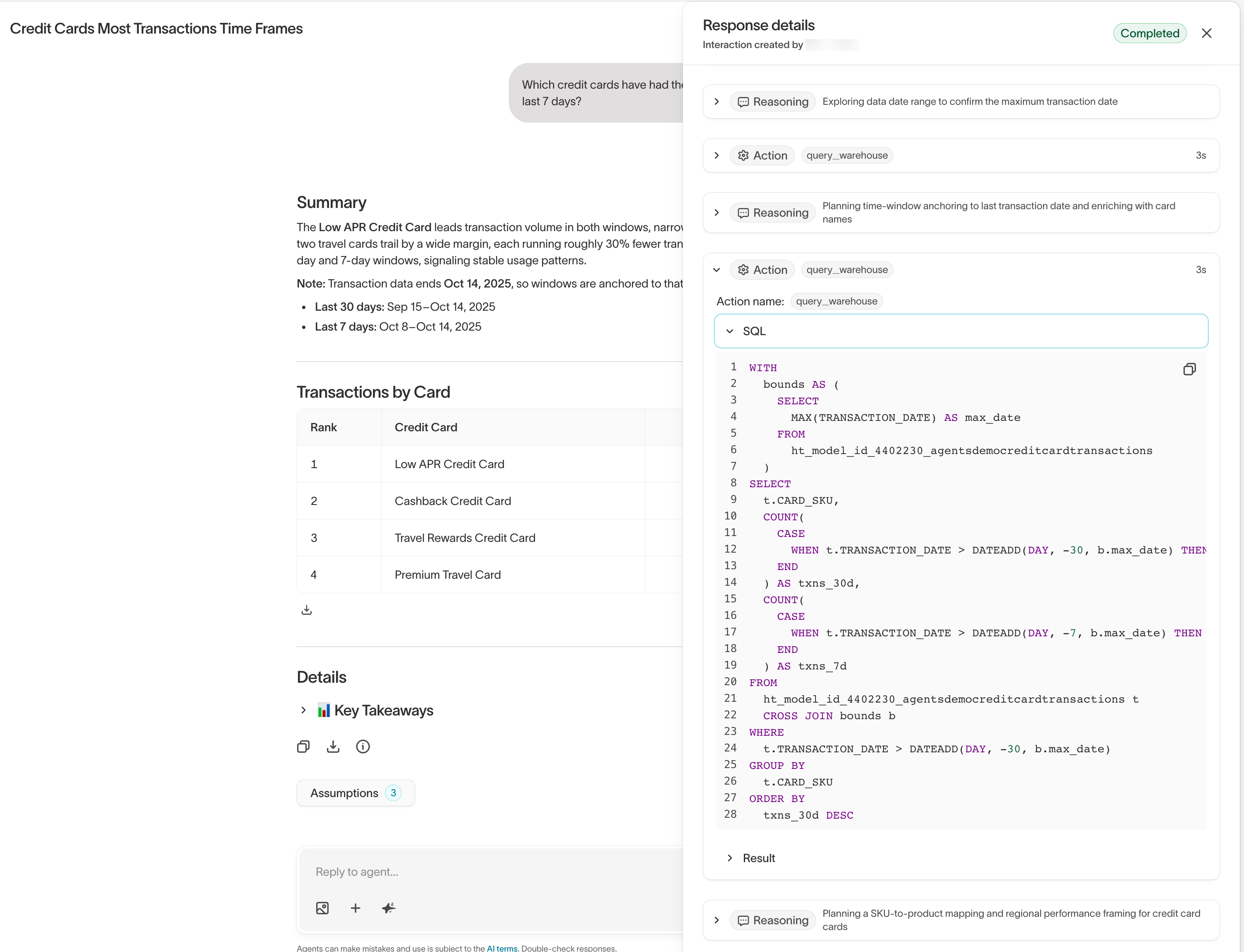
You don’t choose a general model before asking an agent a question. When you ask a question, agents can query the models you have permission to access and select the data relevant to the request. For example, if you ask:Which marketing channels drove the largest increase in website conversions last month?the agent can query a general model containing channel-level web analytics if that model is available to you.
Next steps
- Plan your data model to decide which warehouse data belongs in audience building.
- Define your schema to configure parent, related, and event models.
- Agents overview to learn how agents query the data available to them.
- Roles to control access to model data.