

Overview
Use a Kafka source when your systems already publish events to a Kafka topic. Hightouch reads each new message from the topic, converts it into atrack event, and processes it like events from any other source. You can then sync those events to your warehouse or stream them to real-time destinations.
The Kafka, Confluent, and Redpanda sources have the same settings and work with any cluster that uses the Kafka protocol. Select the one that matches your platform:
Before you begin
- Make sure Hightouch can reach your brokers. Either allow Hightouch’s IP addresses for your region, or connect through an SSH tunnel. Amazon MSK can also connect over AWS PrivateLink.
- Create the topic, and the DLQ topic if you use one. Hightouch doesn’t create topics.
- Create credentials for a user with read access to the topic and to consumer groups whose names start with
hightouch-events-. If you use a DLQ topic, the user also needs write access to it. - Check that your messages are JSON, or are encoded with a schema in Confluent Schema Registry.
Setup steps
To get started, create an event source and select Kafka, Confluent, or Redpanda under Streaming / Message queues.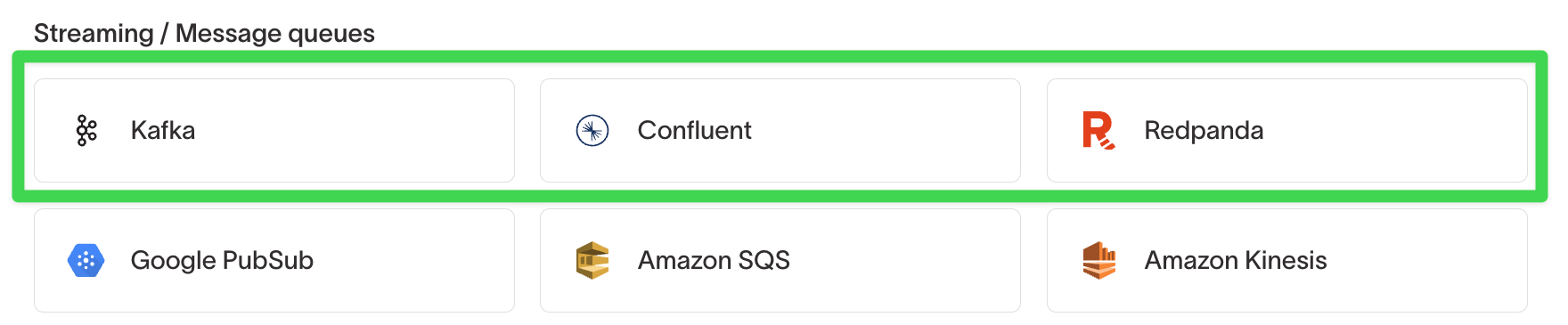
Choose a connection type
Under Choose your connection type, select Connect directly to Kafka if your brokers are reachable from the internet. Data is encrypted in transit with TLS, so a direct connection works for most clusters. If your brokers are on a private network or virtual private cloud (VPC), select Connect via SSH tunnel, then select an existing Tunnel or create a standard or reverse tunnel.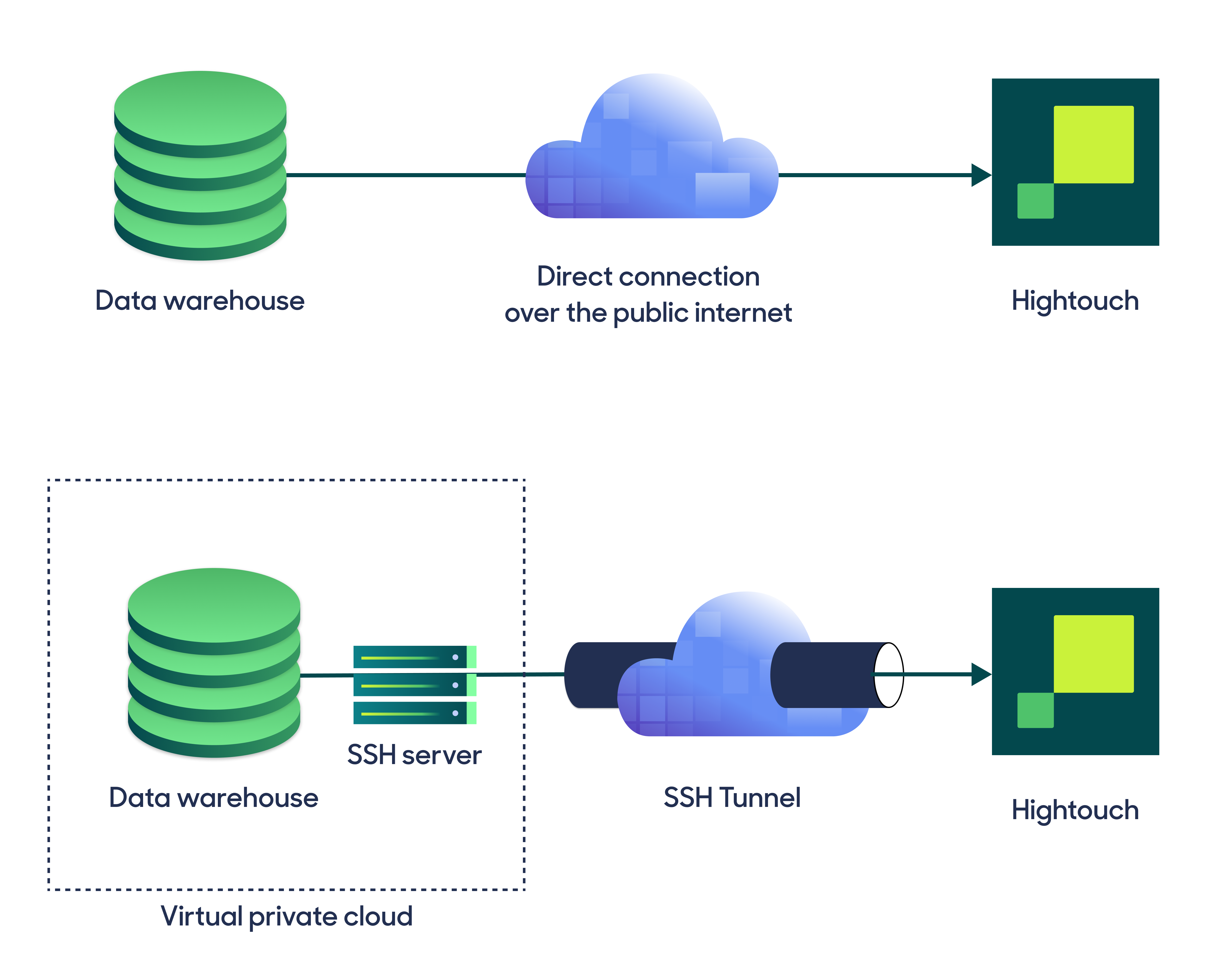
- Single Tunnel — One tunnel reaches every broker, such as for Confluent Cloud Enterprise clusters.
- Multiple Tunnels — Brokers in different availability zones need their own tunnels, such as for Confluent Cloud Dedicated clusters and Amazon MSK. Under Tunnel Mappings, add a row for each tunnel with a hostname pattern that matches the brokers it reaches, for example
*.use1-az1.*.
Connect to your topic
- Broker URL — Your bootstrap brokers as
host:port. Separate multiple brokers with commas. - Topic — The topic to collect events from.
Authenticate
Under Authentication Method, select SASL (recommended) or None. For SASL, select the Mechanism your cluster uses:
Connect to Kafka using TLS is on by default. If your brokers use a certificate signed by a private certificate authority, upload it under CA Certificate as a
.pem or .crt file. Otherwise, Hightouch uses the system’s default certificate authorities.
Decode messages with Schema Registry
If your producers encode messages with a schema in Confluent Schema Registry, such as Avro, enter your Schema Registry URL. If the registry requires authentication, also enter a Schema Registry API Key and Schema Registry API Secret. If the registry has a private endpoint, select a Schema Registry Tunnel. With a registry configured, Hightouch decodes messages in Schema Registry’s format and parses all other messages as JSON, so one topic can carry both. Without a registry, every message must be JSON.Send failed messages to a DLQ topic
Enter a DLQ Topic to keep messages Hightouch can’t process, such as a message that isn’t valid JSON or that exceeds the maximum event size. Hightouch publishes each failed message to this topic as JSON, with the original message and the error:hightouchEventSourceId header with the ID of the source that failed to process it. If you don’t configure a DLQ topic, Hightouch drops messages it can’t process.
How messages become events
Hightouch converts each message into atrack event:
- The message
value,key, andheadersgo inproperties. - The
topic,partition, andoffsetgo incontext.kafka.
Orders stream receives this message:
Map fields
Map fields from your messages to set the event name, user, and other event fields. Each field is optional. If you leave a field unmapped, Hightouch uses its default:
Event Name can be a constant value or a field from the message. For the other fields, enter the path to a field in the message value, such as
user_id or user.id. Don’t start paths with properties.value.
To reshape or enrich events before they reach destinations, use Functions. To check events against a schema, attach an event contract to the source.