

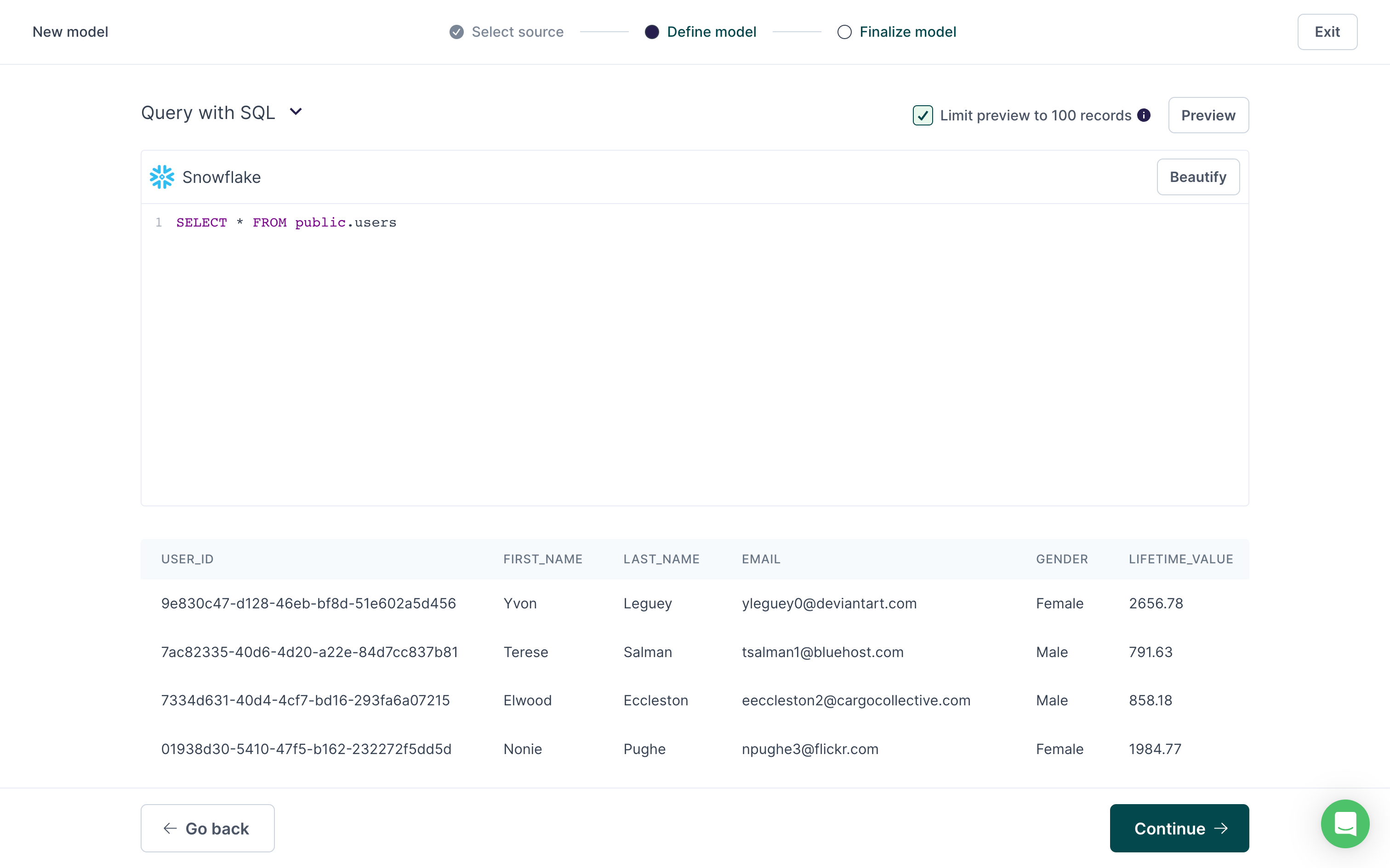
public.users table:

Unique primary key requirement
All models require a unique primary key. If your dataset doesn’t inherently include any truly unique columns, you can use SQL to either:- filter out duplicate rows, if you’re not concerned about losing data from one or more of the duplicated rows
- create a composite column to use for your primary key
Filter out duplicates
When you write aSELECT statement to define your model, you can use a GROUP BY clause to retrieve only the unique rows based on the column you want to use for your primary key:
primary_key_column value, while ignoring the duplicates.
Composite primary keys
If your dataset doesn’t inherently include a truly unique primary key, you can create one. For example, in a CRM, you may have users that are identified by email, but belong to multiple organizations:
The user
bob@example.com belongs to both org_id:1 and org_id:3. Their email address is unique within each organization but non-unique across organizations. Therefore, if you were to select email as the primary key, downstream destinations receiving the data would likely reject these rows.
To ensure a sync with this type of data includes all records, you can use a hash function for the model’s primary key. The hash should combine enough columns in the data to create a unique value, for example, org_id and email.
org_id, email, and created_at columns, and creates a composite_key column.
The composite_key column contains a hash of the concatenation of org_id and email, creating a unique value for each row.
You would then select the
composite_key column as the primary key for the model.
Because the composite keys for the bob@example.com rows are unique, Hightouch would sync both rows to the destination.
Save a model without results
You can’t save a model if your query doesn’t return any results. If you need to save a model with such a query because you expect there to be results in the future, add the following SQL to the end of your query:string, you can replace ‘ignore’ with a null value.
The number of ‘ignore’ or null values needs to be the same as the number of columns in your model.
Exclude rows with null values
Some destinations reject requests when required fields containnull values.
You can prevent syncs from sending null values using the Don’t sync null values option in the advanced mapper.
If you want to exclude rows with null values at a model level, you can include the following SQL in your model definition:
column1, column2, etc. to your column names and to include any columns where you believe there could be null values.