Hightouch is a marketing platform that runs on your data warehouse. Understand your customers, create and launch campaigns with an agent, and measure what works, from the customer data you already have.
Overview
Hightouch is a marketing platform that runs on your data warehouse. Marketing teams use it for the whole campaign: finding who to reach, creating the content, launching it on every channel, and measuring the results. Your customer data stays in your warehouse, and every step works from it.With Hightouch, you can:
Build audiences and journeys from your customer data, yourself or with the agent. See Customer Studio.
Create briefs, ads, and emails with an agent, and send them for review before they go out. See AMP (Agentic Marketing Platform).
Send email, SMS, and push with Delivery, or sync audiences and content to the tools you already use.
Track metrics and build reports in Intelligence, and have AI Decisioning choose the message, channel, and timing for each customer.
How a campaign comes together
Data teams connect your warehouse and model the data once. From there, marketers work through a campaign with an agent. They ask about their customers, draft the audience, and create the content on a canvas. Then they send it for review and launch it. The agent works from your team’s context, such as brand profiles and business definitions, and you approve its work before anything is saved, sent, or launched. For the full walkthrough, see Marketing in Hightouch.
Get started by team
Each team owns a different part of Hightouch. Start with the guide for your role.
Role
What you do in Hightouch
Start here
Admins and IT
Configure SSO, roles, approval flows, and workspace settings
For most products, platform admins set up the workspace first, then data teams connect and model data, then marketers start building. Each guide lists what other teams need to finish before you begin.
Find pages in the app
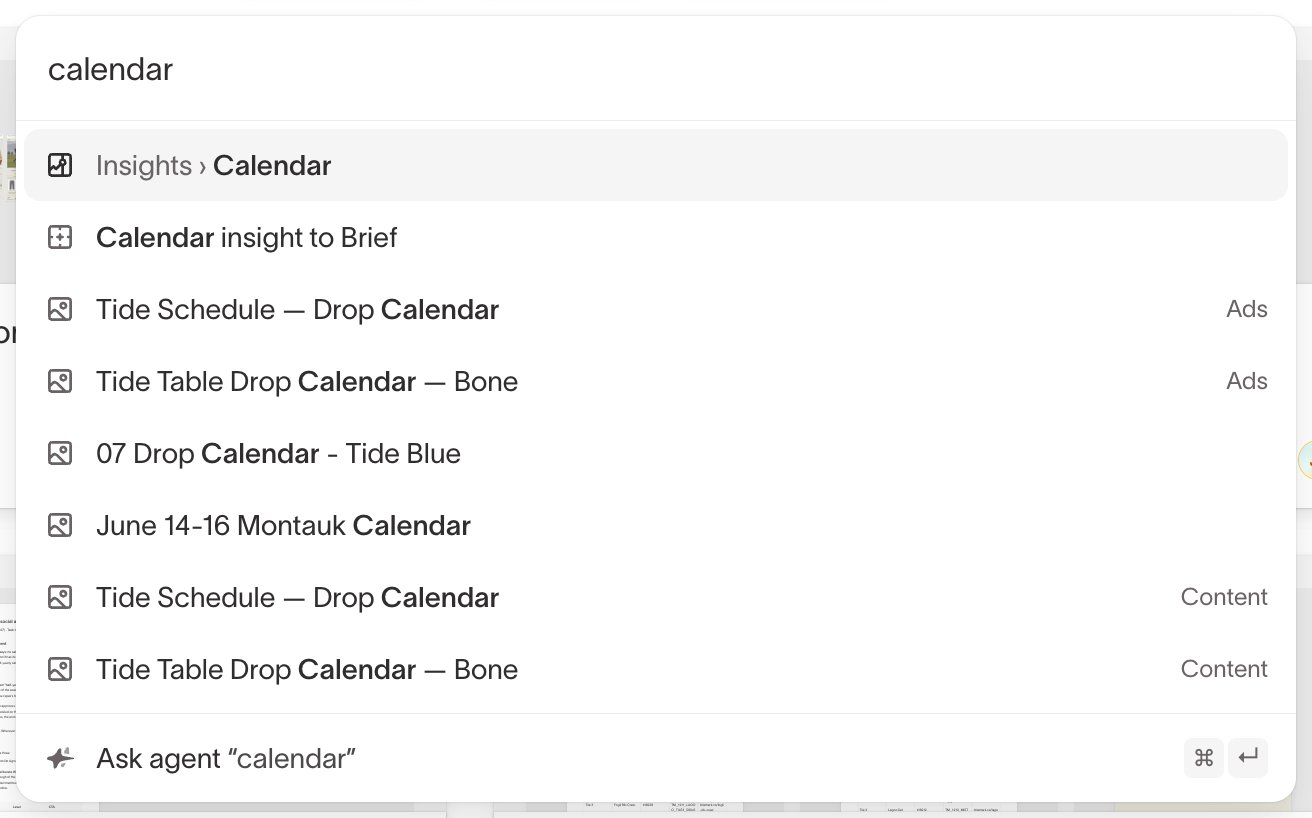
Press Control+K (Command+K on macOS), or click the search box, and type the name of the page you want. Search lists every page you can open and shows where it lives in your sidebar. To ask the agent a question instead, type it and select Ask agent.The docs name pages the same way the app does, so when a doc says to open Insights, search for “Insights.” If a page doesn’t come up, your role or your workspace doesn’t include it. Ask your workspace admin.
Explore products
Find the product for what you want to do. You can start with one and add others over time, and they all work from the same warehouse data.
Delivery: Send email, SMS, and push from Hightouch, and write every result back to your warehouse.
Hightouch MCP: Work with Hightouch from the AI assistant you already use: build audiences, design journeys, create content, and analyze performance in plain language.
Reach and understand customers
Customer Studio: Build audiences, traits, and journeys from warehouse data without writing SQL, or ask the agent to draft them for you to review.
Identity Resolution: Link each customer’s records across devices and channels into one profile.
Match Booster: Add identifiers to your audiences so ad platforms recognize more of your customers.
Real-Time Personalization: Personalize website and app experiences based on what a customer is doing right now.
Measure and optimize
Intelligence: Track your metrics, build reports and dashboards from your customer data, or ask the agent to analyze the results.
AI Decisioning: Choose the best message, channel, and timing for each customer, and learn from every send.
Connect and model data
Models: Define the datasets your team uses, with the SQL editor, the table selector, or dbt.
Syncs: Send data from your warehouse to ad platforms, CRMs, and other tools, on a schedule or as data changes. See How data activation works for the building blocks.
Events: Collect behavioral data from your websites, apps, and servers.
Administer your workspace
Governance: Set up roles, approval flows, and audit logs, so teams can work on their own safely.